What is a USDC payment gateway? A USDC payment gateway is a service that enables merchants to accept USD Coin as payment. It monitors the blockchain for incoming USDC transfers, confirms the transaction, and settles the equivalent value to the merchant in fiat or stablecoin. Because USDC is pegged 1:1 to the US dollar, merchants receive stable, predictable revenue with no chargeback risk.
Integrating USDC payment solutions into your website gives customers more ways to pay while reducing reliance on traditional banking rails. For businesses that serve international customers or crypto-native audiences, accepting USD Coin (USDC) can simplify payment collection and provide an additional settlemacent option alongside traditional payment methods.
USDC is a fiat-backed stablecoin designed to maintain a value close to one US dollar. Unlike many cryptocurrencies, its price is intended to remain relatively stable, making it more predictable for payment processing and treasury operations. Businesses that already work with digital assets often use USDC for online payments, cross-border transactions, and blockchain-based settlements.
This guide explains how to accept USDC payments using the Finassets low fee crypto payment gateway. You'll learn how to configure a USDC payment button, understand how USDC transactions work, review supported blockchain networks, and explore operational considerations such as payment confirmation, compliance, and fees.
What is USDC and why businesses use it for payments
USD Coin (USDC) is a fiat-backed stablecoin issued by Circle. Each USDC token is designed to represent one US dollar held in reserve or equivalent reserve assets, helping maintain price stability compared with more volatile cryptocurrencies.
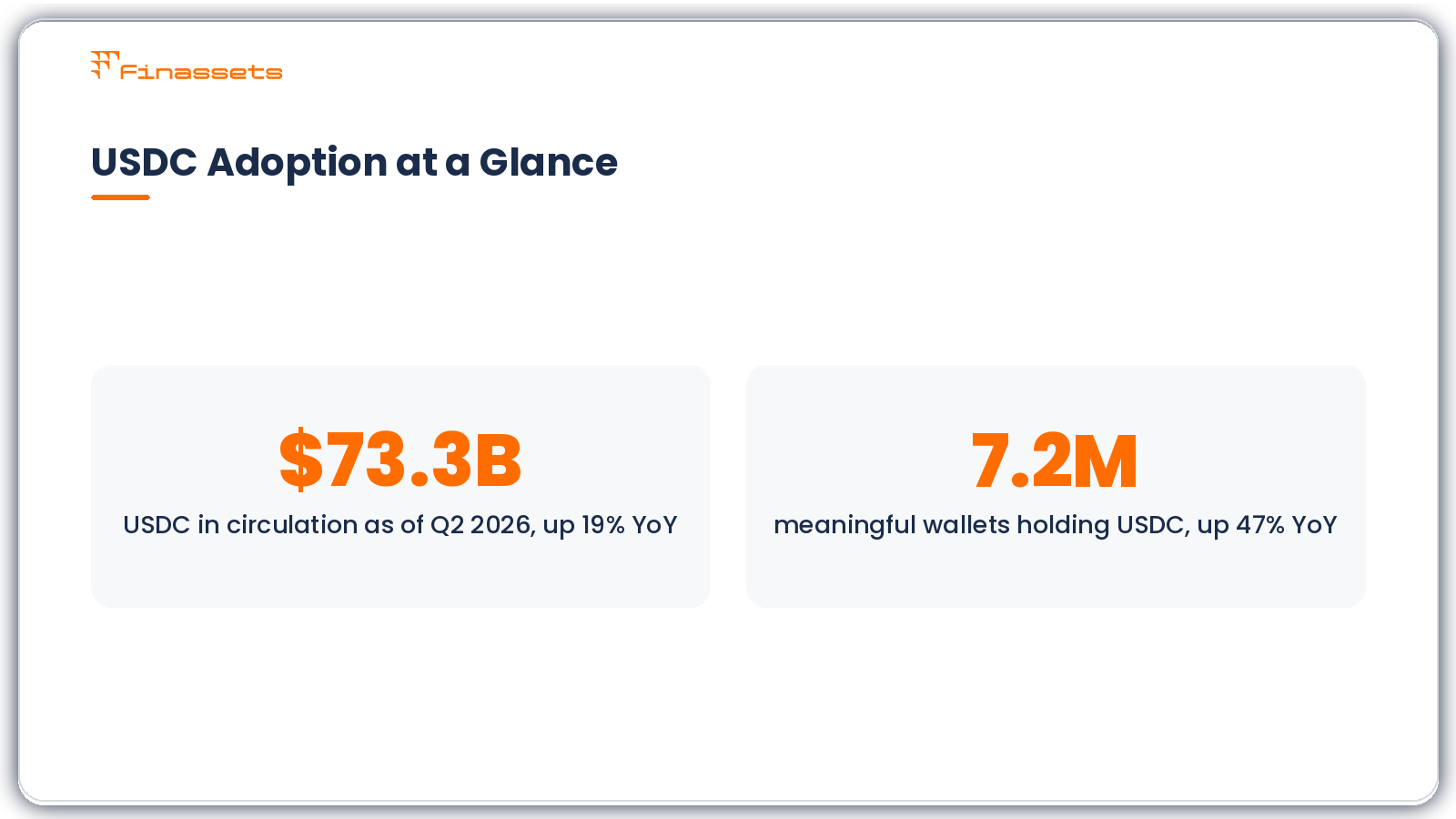
USDC had approximately $73.3 billion in circulation as of Q2 2026, up 19% year-over-year. As of Q1 2026, Circle reported 7.2 million meaningful wallets holding USDC, up 47% year-over-year.
For businesses, USDC functions as a digital payment asset rather than an investment product. It allows customers to transfer value over blockchain networks while giving merchants a predictable settlement currency.
Common reasons businesses accept USDC payments
- Stable value compared with many cryptocurrencies
- Suitable for cross-border customer payments
- Available on multiple blockchain networks
- Supports blockchain-based payment confirmation
- Removes card chargebacks because confirmed blockchain transactions are irreversible
- Can complement existing payment methods rather than replace them
Businesses commonly use USDC for:
- eCommerce payments
- SaaS subscriptions
- B2B payments
- Cross-border commerce
- Online marketplaces
USDC should be viewed as an additional payment rail for customers who already use cryptocurrency. Whether it improves operational efficiency depends on the business model, customer base, and settlement requirements.
How to accept USDC payments
Finassets low-fee crypto payment gateway provides several ways to accept cryptocurrency payments, including crypto payment buttons, crypto invoicing, and crypto checkout.
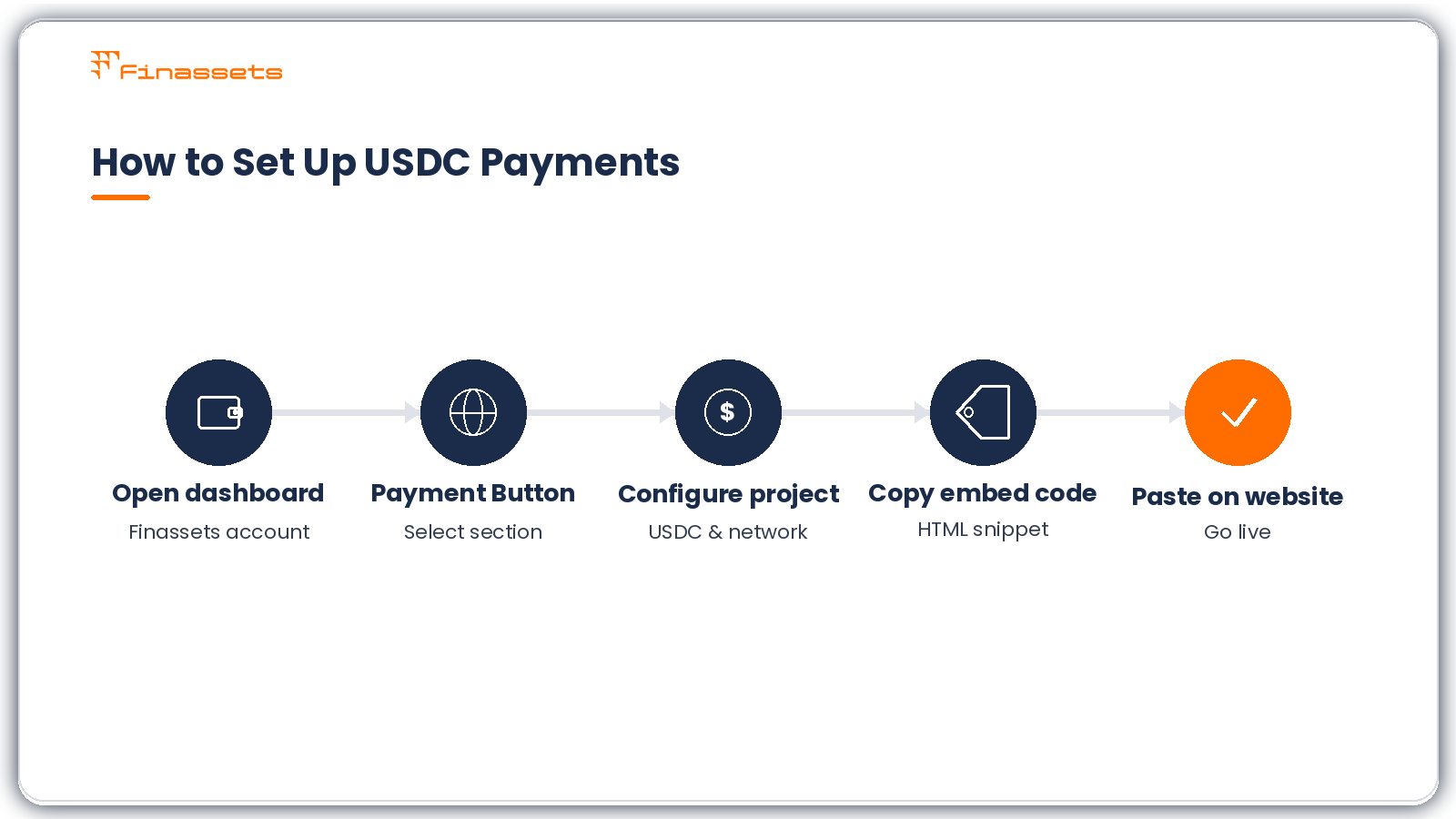
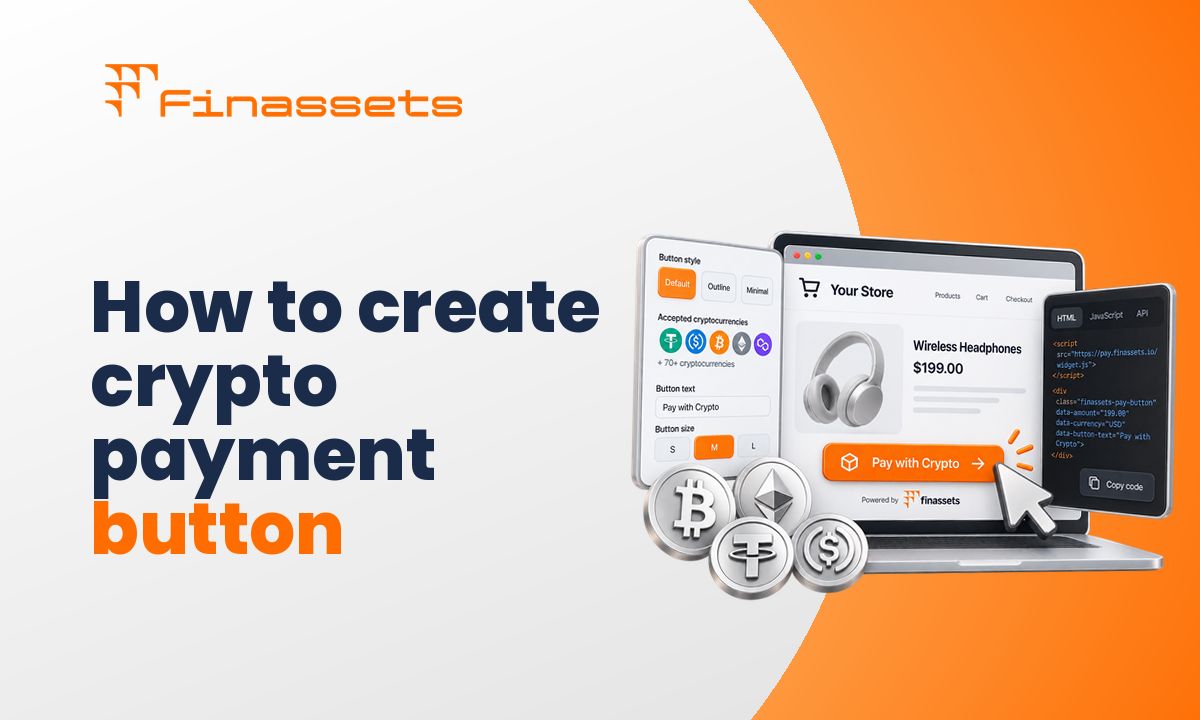
For many websites, the payment button offers a structured way to add USDC payments without building a custom payment system.
Video tutorial: How to accept USDC payments on your website
The setup process involves creating a payment project, configuring payment settings, and embedding generated code into your website.
Step 1: Open your Finassets business account
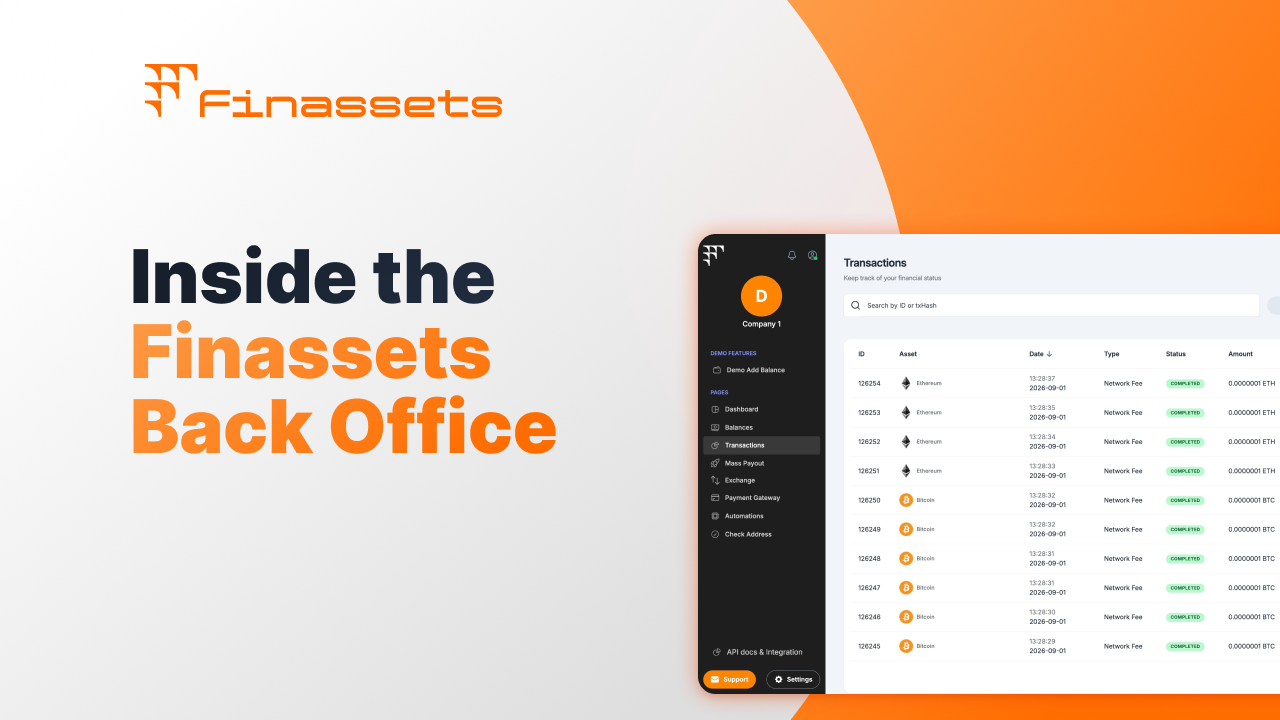
Sign in to your Finassets business account and open the main dashboard. This is where you manage payment projects, monitor transactions, generate payment buttons, and configure settlement preferences.
The dashboard also provides access to reporting, payment analytics, and transaction history.
Step 2: select the "Payment Button" section
From the dashboard navigation, open the Payment Button section.
This section contains the tools used to generate payment buttons that can be embedded into checkout pages, product pages, donation pages, or other parts of your website.
Step 3: Configure your USDC payment project
Click "Add Project" and complete the project settings.
Configure the following fields:
|
Setting |
Description |
|
Project name |
Internal project name for your records |
|
Company name |
Business name displayed during checkout |
|
Payment currency |
Select USDC |
|
Supported networks |
Polygon, BEP20, ERC20 or Solana |
|
Settlement currency |
Choose how payments should be settled |
|
Transaction fees |
Decide whether the merchant or customer pays blockchain fees |
|
Invoice payment time |
Define how long payment requests remain active |
|
Exchange rate refresh |
Set how often payment amounts update |
|
Website URL |
Domain where the payment button will be used |
Choosing the appropriate blockchain network depends on your operational requirements, customer preferences, and supported wallets.
Step 4: Create the project
After reviewing your settings, click "Add".
Finassets generates a new payment project based on your selected configuration. The project can later be modified if your payment requirements change.
Step 5: Copy the payment button code
Once the project is created, Finassets generates an HTML embed code.
Copy this code from your dashboard.
The payment button can be placed on:
- Checkout pages
- Product pages
- Service pages
- Invoice pages
- Donation pages
- Custom payment sections
Step 6: Paste the code into your website
Paste the generated HTML code into your website where customers should see the payment option.
After publishing the page, customers can begin selecting USDC as their payment method.
Incoming payments appear inside the Finassets merchant dashboard, where you can monitor:
- Payment status
- Blockchain confirmations
- Transaction history
- Payment notifications
- Settlement details
The dashboard provides operational visibility throughout the payment lifecycle.
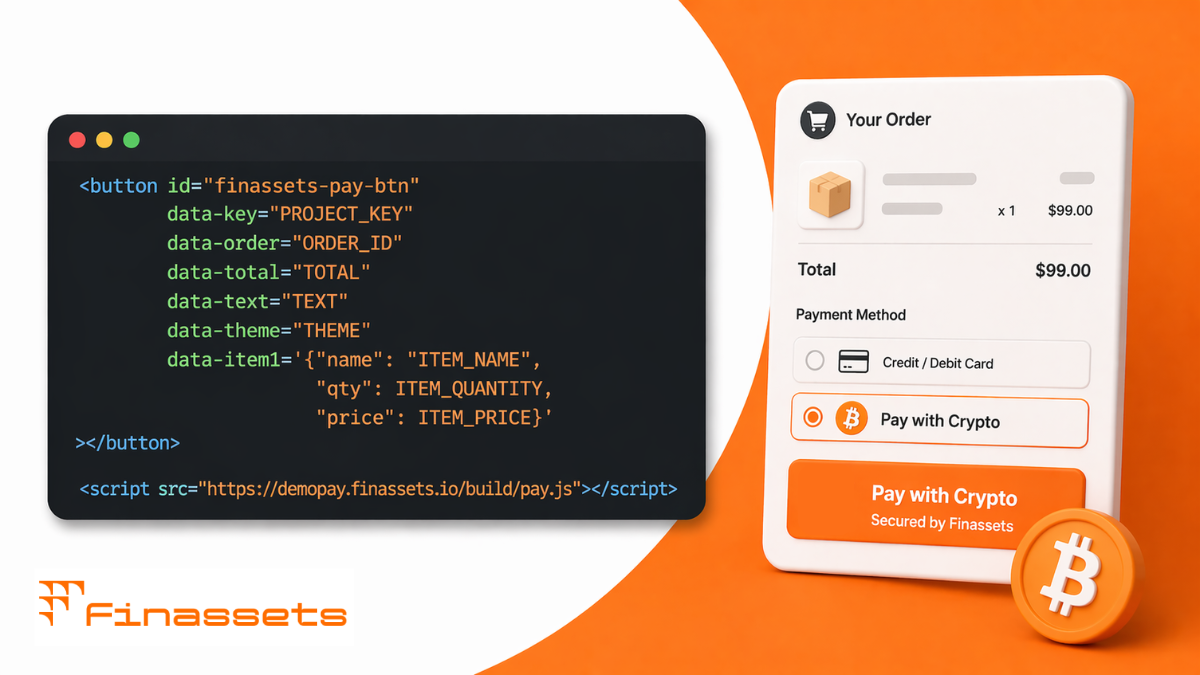
Example of a USDC payment button HTML code
The image below shows a sample HTML code snippet that should be added to the checkout page where you want to offer USDC as a payment option:
Ready to move from setup to live payments?
👉 Create your Finassets business account and start accepting USDC payments on your website.
How USDC payments work (transaction flow)
Understanding how a USDC payment moves from the customer to your business helps with payment verification, accounting, and customer support. While the process happens automatically from the customer's perspective, each transaction passes through several blockchain verification stages before it is considered complete.
The payment flow is designed to provide transparency. Both the customer and the merchant can monitor the transaction status until the blockchain confirms the payment.
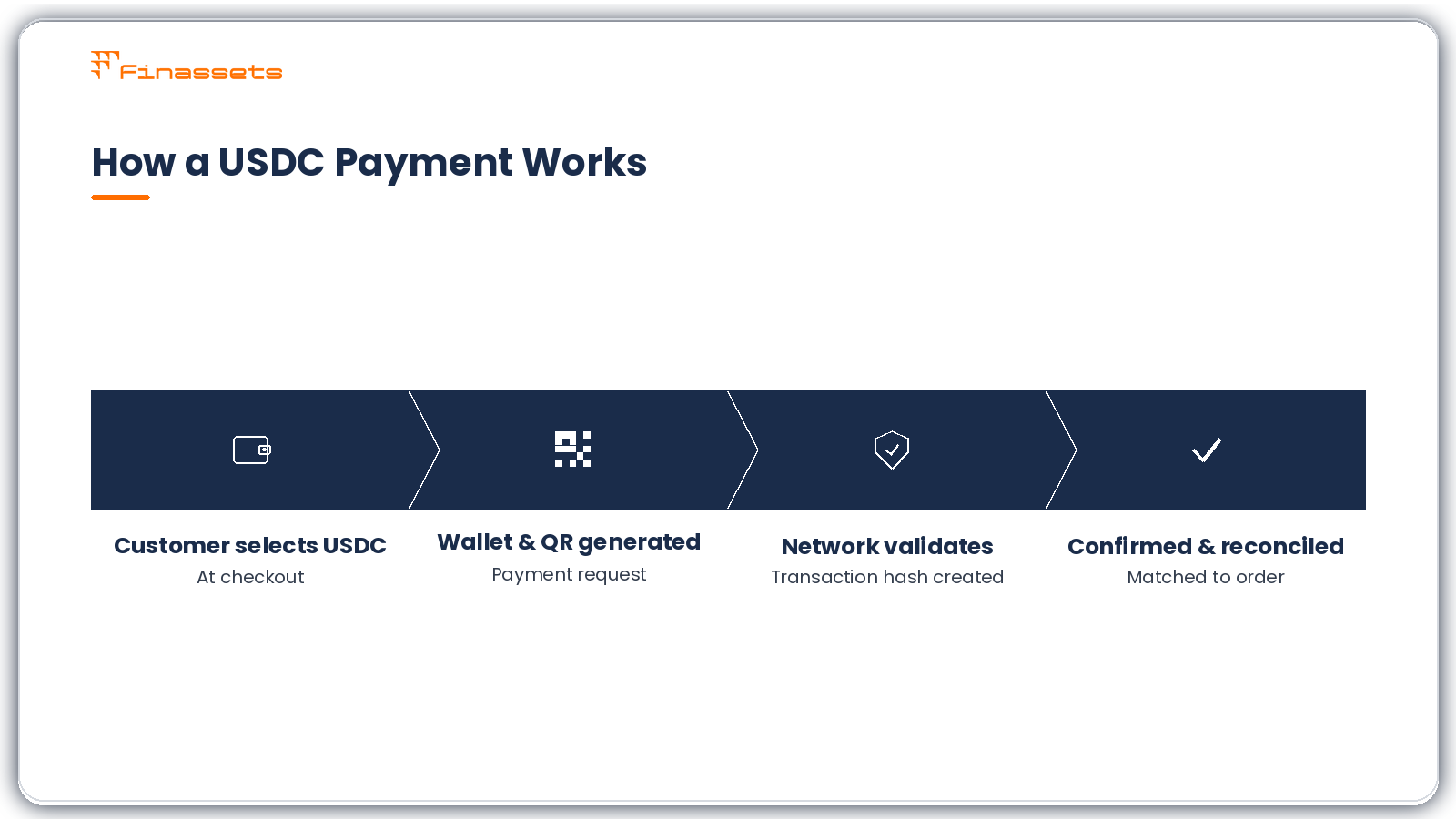
A typical USDC payment follows these steps:
- The customer selects USDC during checkout.
- Finassets generates a payment request with a wallet address and QR code.
- The customer sends USDC from a compatible crypto wallet.
- The selected blockchain network validates the transaction.
- A transaction hash (transaction ID) is created.
- After the required blockchain confirmations, the payment status updates.
- The payment appears in the Finassets merchant dashboard, where it can be reconciled with the related order or invoice.
Unlike traditional card payments, blockchain transactions do not involve card issuers or acquiring banks. Instead, the blockchain network validates the transfer before the payment is considered final.
Supported blockchain networks for USDC transactions
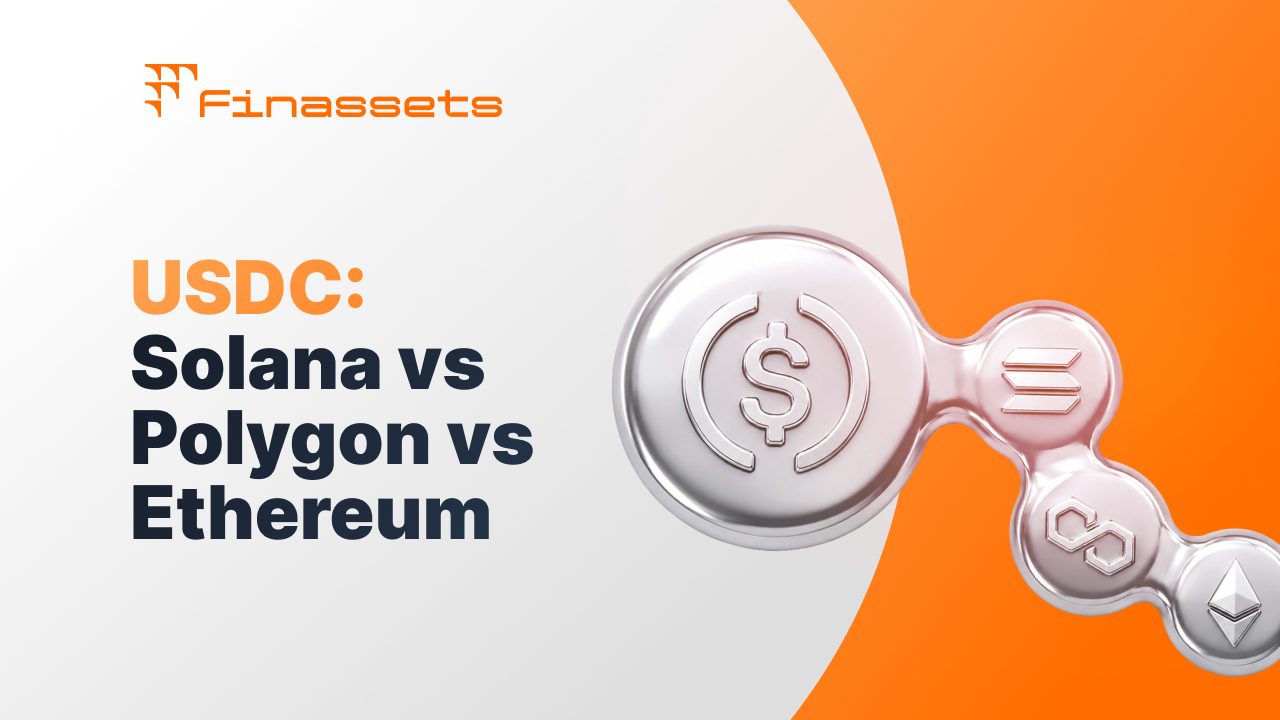
USDC is available on several blockchain networks. The choice of network affects confirmation times, transaction fees, and wallet compatibility.
When configuring a payment project, businesses should select the networks that best match their customers' preferences and operational requirements.
|
Network |
Typical Use Case |
Considerations |
|
Ethereum (ERC20) |
Broad ecosystem support |
Higher network fees during congestion |
|
Polygon |
eCommerce and everyday payments |
Lower fees and relatively quick confirmations |
|
BNB Smart Chain (BEP20) |
Cost-conscious transfers |
Broad wallet compatibility |
|
Solana |
High-throughput payment applications |
Network support depends on customer wallet compatibility |
Network fees are determined by the blockchain itself rather than the payment gateway. They can change depending on network activity and congestion.
Before enabling multiple networks, verify that your customers commonly use them. Supporting unnecessary networks can add operational complexity without improving the checkout experience.
Who can benefit from accepting USDC payments?
USDC is not intended to replace every payment method. Instead, it serves businesses that already interact with customers who hold digital assets or require cross-border payment options.
Businesses that may benefit include:
- eCommerce stores serving international customers
- SaaS companies accepting online subscriptions
- Digital product sellers
- Software providers
- Agencies working with international clients
- Online marketplaces
- B2B service providers
- Companies operating in regions where traditional international payments can be slower or more expensive
Businesses that primarily serve domestic customers who only pay with cards or bank transfers may see limited adoption unless there is existing demand for cryptocurrency payments.
|
✓ What USDC payments can provide |
✗ What they don't guarantee |
|
Additional payment option |
Higher conversion rates |
|
Cross-border payment capability |
Elimination of all payment risks |
|
No chargebacks after confirmation |
Instant settlement on every blockchain |
|
Transparent blockchain records |
Lower costs in every situation |
|
Stablecoin payment option |
Suitability for every business |
Test your USDC payment setup using the Free Demo
Before integrating a payment gateway into a production website, it is useful to understand how the payment flow works in practice.
The Finassets demo environment allows businesses to explore the merchant dashboard, review payment settings, and become familiar with the payment button workflow before completing a live integration.
The demo helps businesses understand:
- Payment project creation
- Merchant dashboard navigation
- Payment status monitoring
- Transaction history
- Payment notifications
- General workflow before production deployment
Testing the integration first can reduce implementation issues during launch and help development teams validate the checkout process.
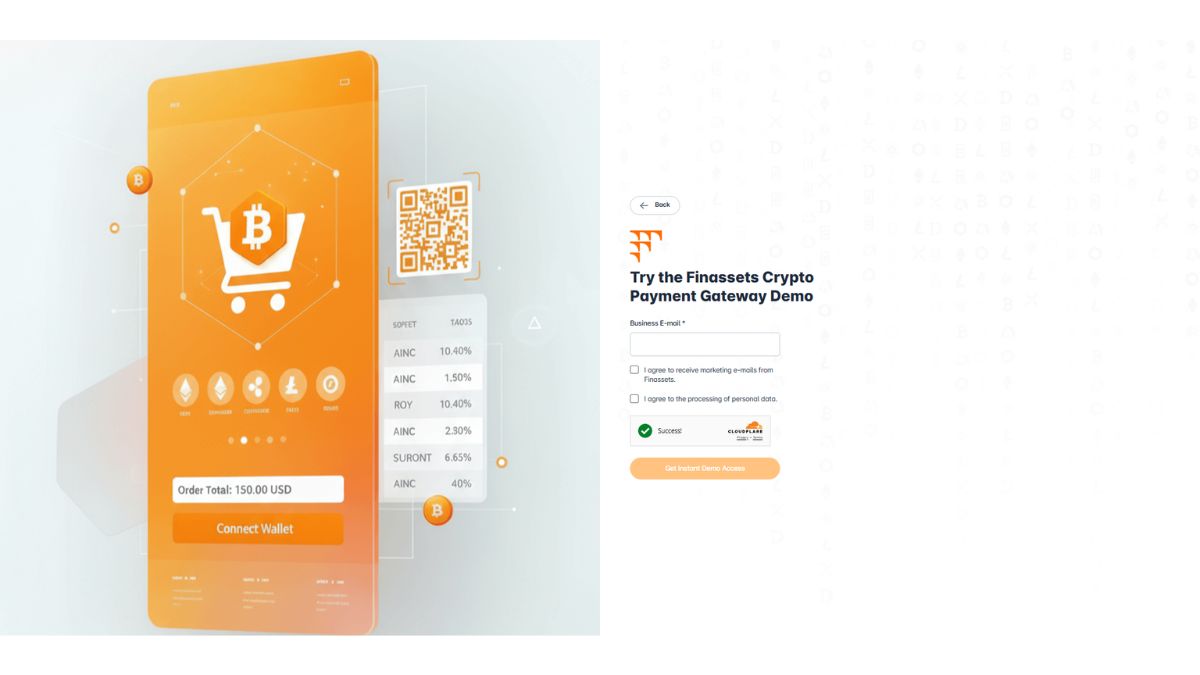
👉 Getting started is easy. Simply enter your email address to access the demo—no credit card, payment information, or lengthy sign-up process required.
Why Finassets is a strong choice for accepting USDC payments
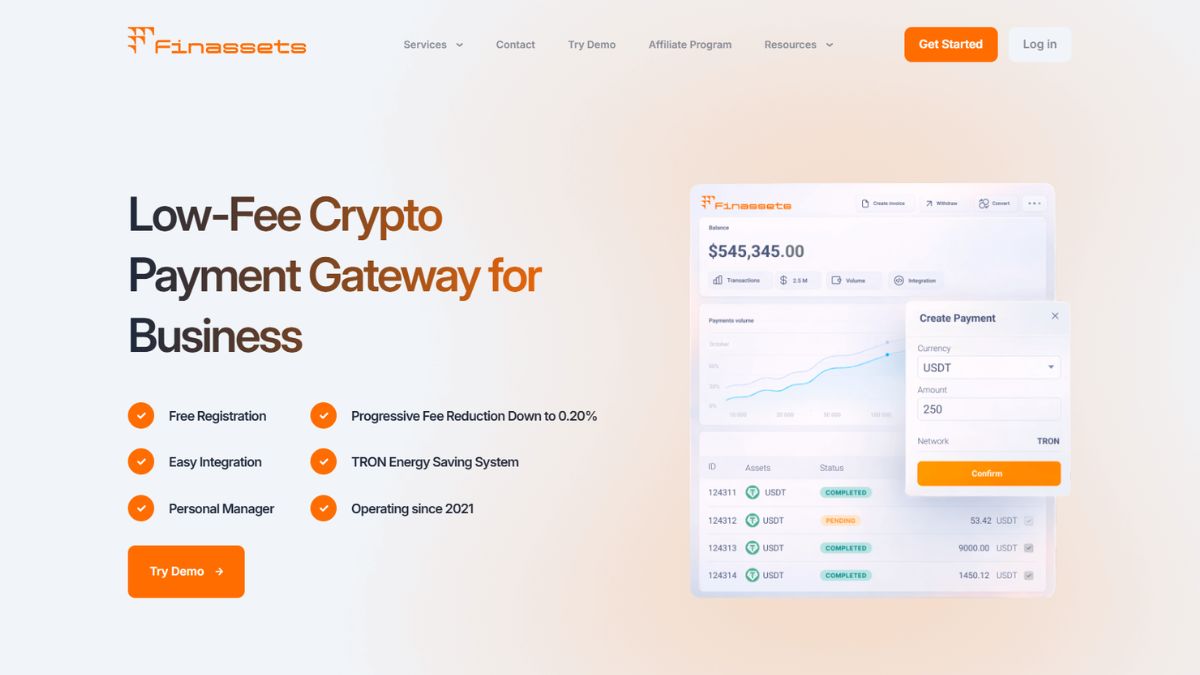
Choosing a USDC payment gateway involves more than comparing transaction fees. Businesses should also consider supported payment methods, blockchain compatibility, operational visibility, integration options, and compliance capabilities.
Finassets provides a payment infrastructure designed for businesses that want to accept cryptocurrency payments while maintaining control over payment collection and settlement.
|
Feature |
Business benefit |
|
Multi-network USDC support |
Accept USDC through Polygon, ERC-20, BEP20, and Solana, giving customers flexibility. |
|
Multiple payment solutions |
Support different payment flows with crypto payment API integration, crypto checkout, payment buttons, exchange, auto-convert, mass payouts, and crypto invoicing. |
|
Merchant dashboard |
Monitor payment status, transaction history, analytics, and reporting from one place. |
|
Payment API and webhooks |
Connect payment events to existing business systems and automate operational workflows. |
|
Processing fees from 0.4% to 0.2% |
Predictable pricing that scales with transaction volume. |
|
Sandbox environment |
Test integrations before deploying them to production. |
|
Payment notifications |
Receive transaction updates as blockchain confirmations are completed. |
|
Automatic reconciliation support |
Match incoming payments with customer orders more efficiently. |
|
Security controls |
Protect merchant operations through modern authentication (2FA) and wallet security practices (MPC). |
|
Compliance processes |
Support merchant onboarding through business verification and compliance procedures. |
Finassets supports businesses that want to add cryptocurrency as an additional payment method without building and maintaining their own blockchain payment infrastructure.
Finassets USDC payment fees & supported networks
Transaction costs consist of two separate components:
- The Finassets processing fee.
- The blockchain network fee.
The blockchain fee varies depending on the selected network and current network activity. Businesses should consider both costs when evaluating payment processing expenses.
Finassets processing sees
|
Monthly volume |
Processing fee |
|
Starting fee |
From 0.4% |
|
Higher transaction volumes |
Down to 0.2% |
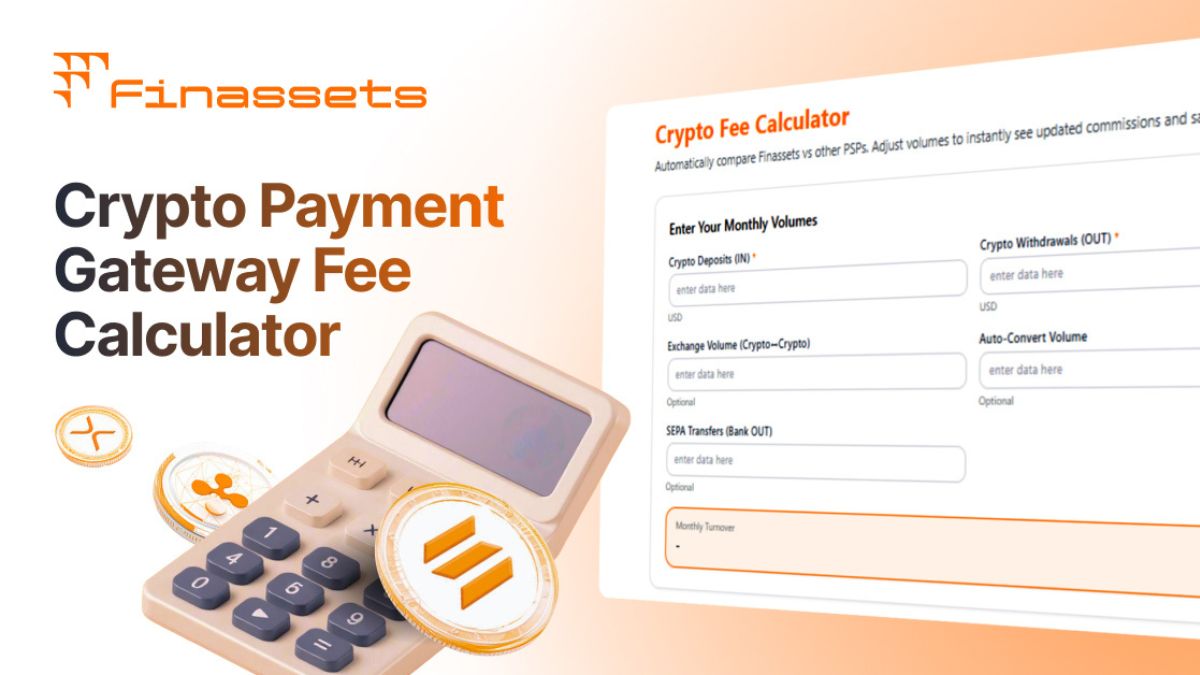
Processing fees decrease as your transaction volume grows, helping you reduce costs as your business scales. You can see how the fee changes dynamically in the Processing Fee Calculator on the Finassets homepage.
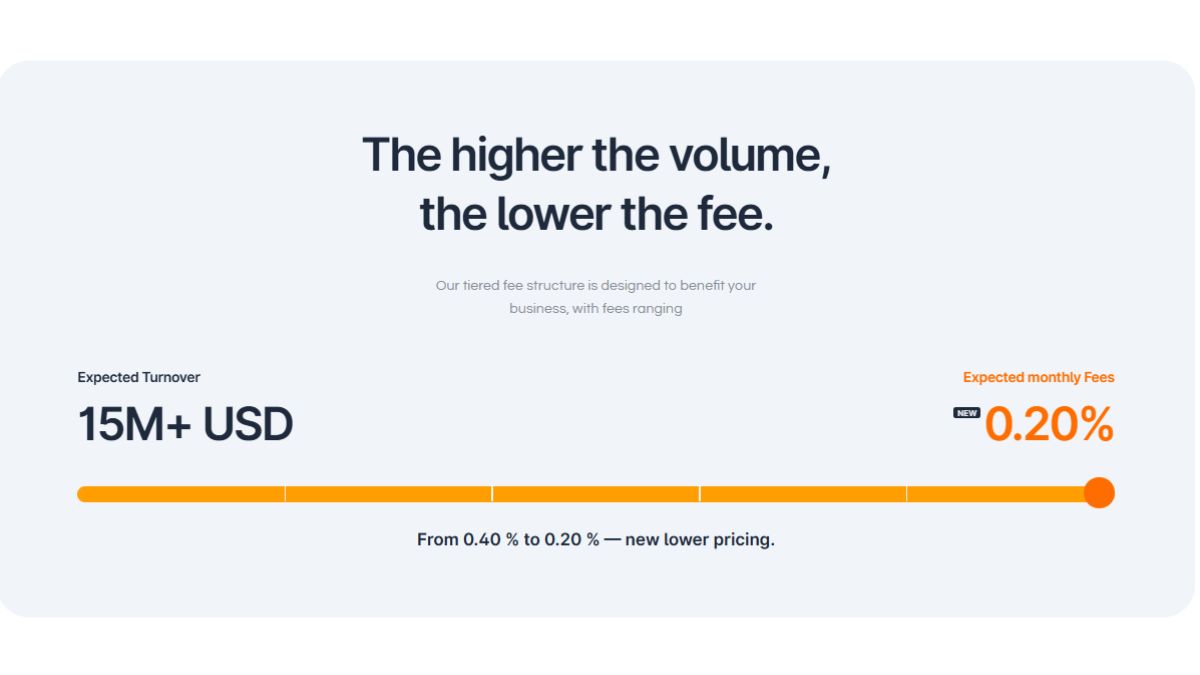
Note: The final cost depends on transaction volume and the blockchain network selected for the payment. That's why it's important to choose the right network.
Supported cryptocurrencies
In addition to USDC, Finassets supports 70+ cryptocurrencies, including:
- Bitcoin (BTC)
- Ethereum (ETH)
- Tether (USDT)
- Solana (SOL)
- TRON (TRX)
This allows businesses to expand payment options without implementing separate payment systems for each cryptocurrency.
The supported blockchain networks continue to evolve as the ecosystem develops, allowing businesses to choose payment infrastructure that matches their operational needs.
Compliance, risk, and accounting when accepting USDC
Accepting USDC introduces new operational responsibilities alongside new payment capabilities. Businesses should evaluate legal, accounting, and compliance requirements before launching cryptocurrency payments.
The exact requirements depend on the country where the business operates, the industries it serves, and the applicable financial regulations.
Operational considerations
Businesses should:
- Understand local regulations governing cryptocurrency payments.
- Maintain complete transaction records for accounting and reporting.
- Implement Know Your Customer (KYC) and Know Your Business (KYB) procedures where required.
- Follow Anti-Money Laundering (AML) obligations where applicable.
- Monitor transactions according to internal compliance policies.
- Define refund procedures for blockchain payments.
- Work with accounting professionals familiar with digital assets if cryptocurrency forms part of business operations.
Unlike card payments, blockchain transactions generally cannot be reversed after confirmation. Businesses should therefore verify payment amounts, wallet addresses, and internal approval processes before settlement.
Operational checklist before going live
Use this checklist before accepting your first USDC payment:
□ Create a Finassets business account.
□ Configure your USDC payment project.
□ Select the blockchain networks you want to support.
□ Choose your settlement currency.
□ Decide who pays blockchain transaction fees.
□ Test the payment button in the sandbox or demo environment.
□ Verify webhook notifications and payment status updates.
□ Document accounting and reconciliation procedures.
□ Review applicable compliance requirements.
□ Test the complete payment flow before launching on your production website.
Start accepting USDC payments on your website
Adding USDC as a payment option allows businesses to offer customers an additional way to pay using a fiat-backed stablecoin. For companies serving international markets or crypto-native users, this can complement existing payment methods while supporting blockchain-based settlement.
Finassets provides the tools needed to create a payment button, generate payment links, monitor transactions, and manage payment operations through a single merchant dashboard.
Whether you operate an eCommerce store, SaaS platform, iGaming website, or online marketplace, you can configure a payment project, test your integration, and deploy it when you're ready.
👉 Create your Finassets business account and start accepting USDC payments through your website.
Article details
- Last updated: October 15, 2026
- Published by: Finassets
- Author: Alena K., Crypto Payment Solutions Specialist
- Category: USDC Payments, USDC Payment Gateway, USDC Payment Solutions for Businesses, USDC Payment API, USD Coin Payment Gateway
- Reading time: 5–7 minutes
- Content type: Educational guide
- Audience: Businesses, merchants, SaaS companies, developers, and e-commerce owners exploring USDC payment solutions.
Editorial policy
This article is reviewed periodically to ensure the information remains accurate and reflects the latest developments in cryptocurrency payments, blockchain networks, stablecoins, and payment gateway technologies. Content is based on publicly available documentation, industry best practices, and practical payment infrastructure knowledge. It is intended for informational purposes only and does not constitute financial, legal, or investment advice.