By Alena K., payments content, covering crypto processing for iGaming, eCommerce and forex.
If payout statuses and data are stored in different places, sorting it out quickly turns into a manual check. This process can be optimized, lowering the risk of errors, improving efficiency, and even reducing payout costs.
In this article, we look at how a crypto payout proceeds from approval to crediting, what can be automated, how to check the address and network, and what to do if a payout gets stuck.
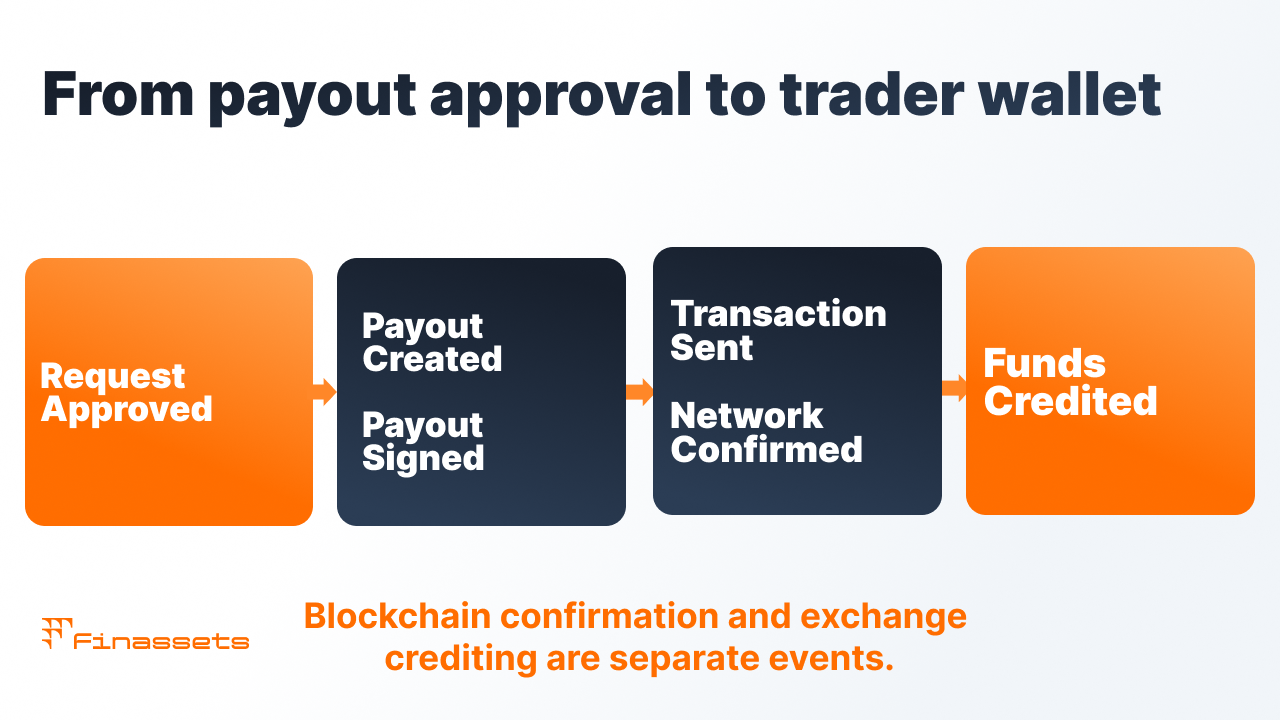
How a crypto payout proceeds after approval
| Status | What happened | Whose zone |
|---|---|---|
| 1. Request approved | Amount and recipient confirmed within the broker | Broker's CRM |
| 2. Payout created | Request passed to the payment provider, via API or file upload | Broker ↔ provider integration |
| 3. Payout signed | Sending confirmed by an employee with the right role, usually via 2FA | Broker, in the provider's dashboard |
| 4. Transaction sent | Funds sent to the network, TXID appears | Provider |
| 5. Confirmed by the network | Blockchain accepted the transaction | Network |
| 6. Credited to the recipient | The trader's wallet or exchange reflects the deposit | Trader's wallet or exchange |
Confirmation on the blockchain and crediting on an exchange aren't the same thing. After the confirmed status, the exchange still has to process the deposit. A network, address, or memo error can delay crediting on the recipient's side.
What can be automated, and what stays manual
| Automated | Stays manual |
|---|---|
| Creating a payout from an approved request in the CRM via API, without transferring the address and amount by hand | The decision to approve a withdrawal is the broker's own process |
| Batch sending: one upload covering dozens of lines instead of separate transfers | Signing the batch by an employee with the right role, a control point that shouldn't be removed |
| Statuses, TXIDs, and notifications flow back into the CRM | A trader changing their address, confirmed through a separate channel |
| The network fee is chosen by priority level, not manually for each transaction | Sorting out exceptions: wrong network, incorrect memo, a dispute over crediting |
The main risk in a manual process is transferring data between the CRM, spreadsheets, and the provider's dashboard. Automatically passing the request through removes manual copying of the address and amount.
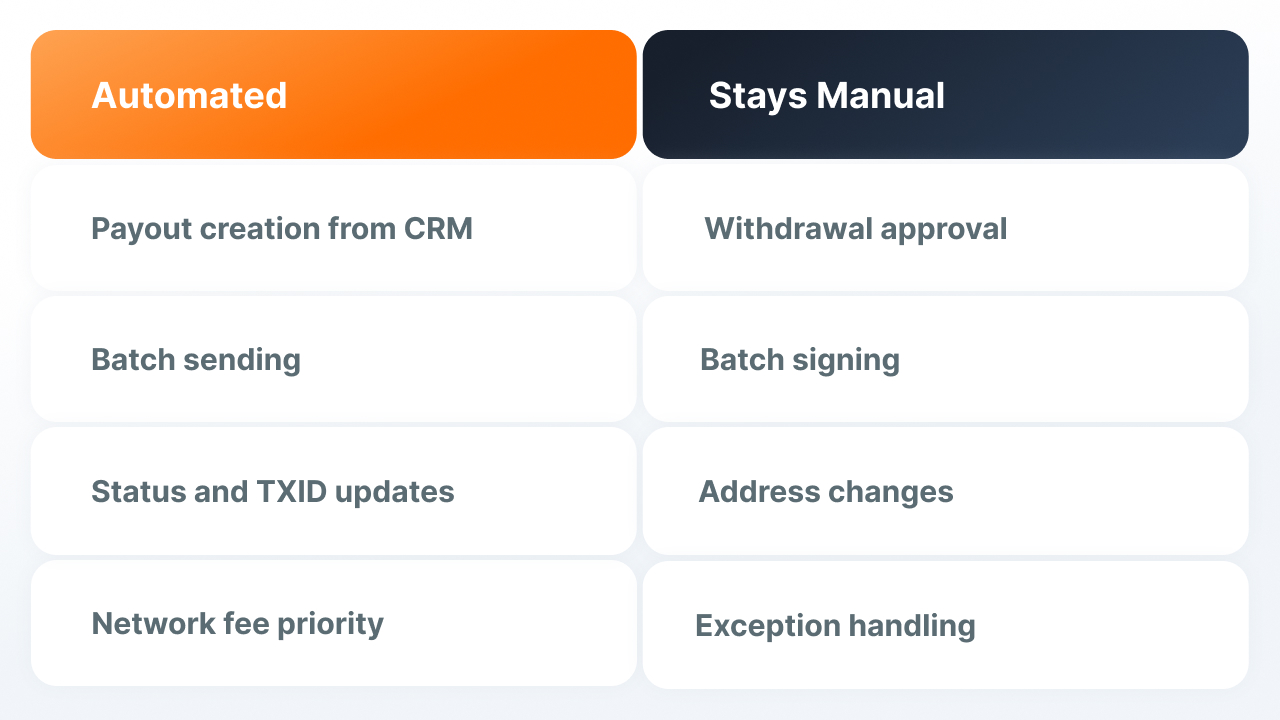
Mass Payouts cut down manual work with large volumes
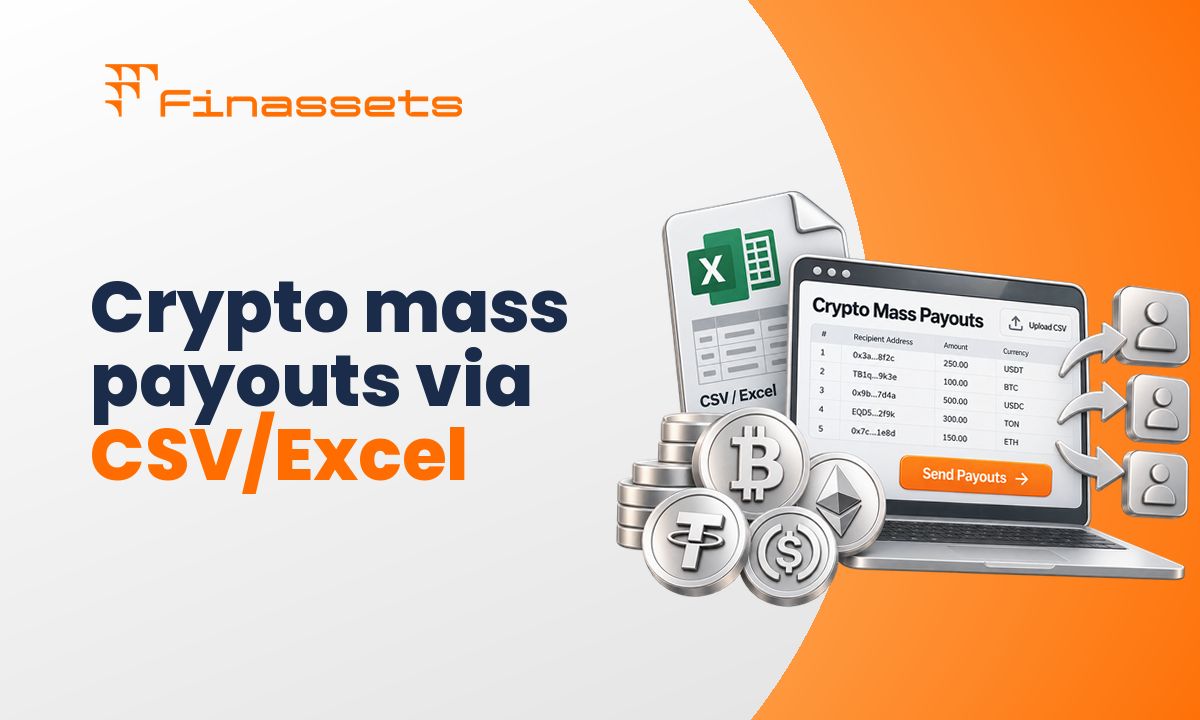
A batch payout is a file or API request with several recipients. Each line specifies the address, memo/tag if needed, asset, network, and amount. After confirmation, each payout gets its own status and TXID.
- What to check before signing: the batch's total amount, the number of lines, whether the network and address format match on each line.
- What to check afterward: the status of each line separately, a batch can go through only partially.
- What to keep: each line's TXID in the trader's card in the CRM, not just in the provider's dashboard.
The network affects both cost and the success of a payout
USDT is available on several networks, and the specific network supported needs to match between the broker and the trader's wallet or exchange. Even a matching address format doesn't guarantee the deposit will be accepted on the right network.
Payout cost depends on the network and how the network fee is paid. For TRC20, Energy availability matters: if there isn't enough, the fee is paid in TRX instead.
More on this in the article on the prop firm payout cycle.
The address, network, and memo need to be checked before sending
Format and network. The address should be validated against the chosen network before creating the payout: the prefix, length, and checksum need to match that network's requirements.
Memo/tag. If an exchange requires a memo or tag, this field needs to be passed along with the address. Otherwise, the transaction can be confirmed on the network but not credited to the trader's account.
Address spoofing. With address poisoning, an attacker creates a similar-looking address and adds it to the victim's transaction history with a small transfer. So copying an address from history is risky: the first and last characters can look familiar (TRM Labs).
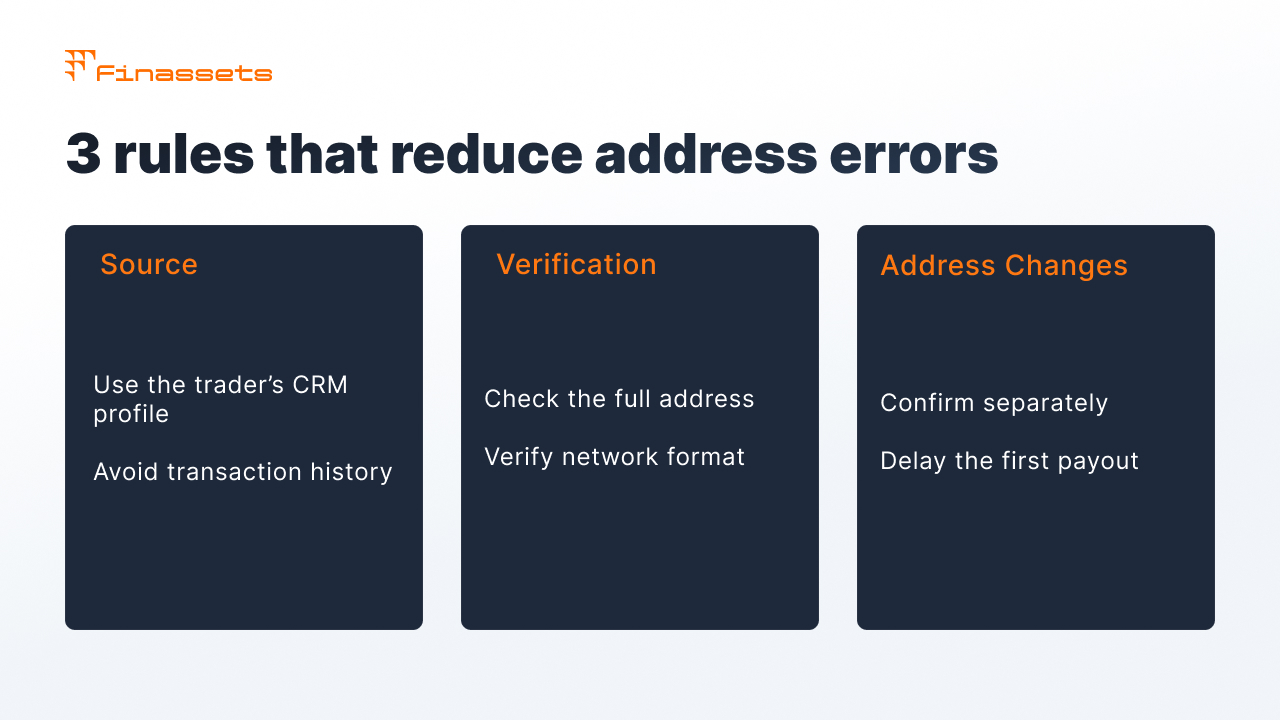
- Source of the address, only the trader's profile in the CRM. Not transaction history, not chat, not email.
- Verification, the full address, not just the first and last characters. Those are exactly what the attack fakes.
- Changing the address, through confirmation on a separate channel, and with a delay before the first payout to the new address.
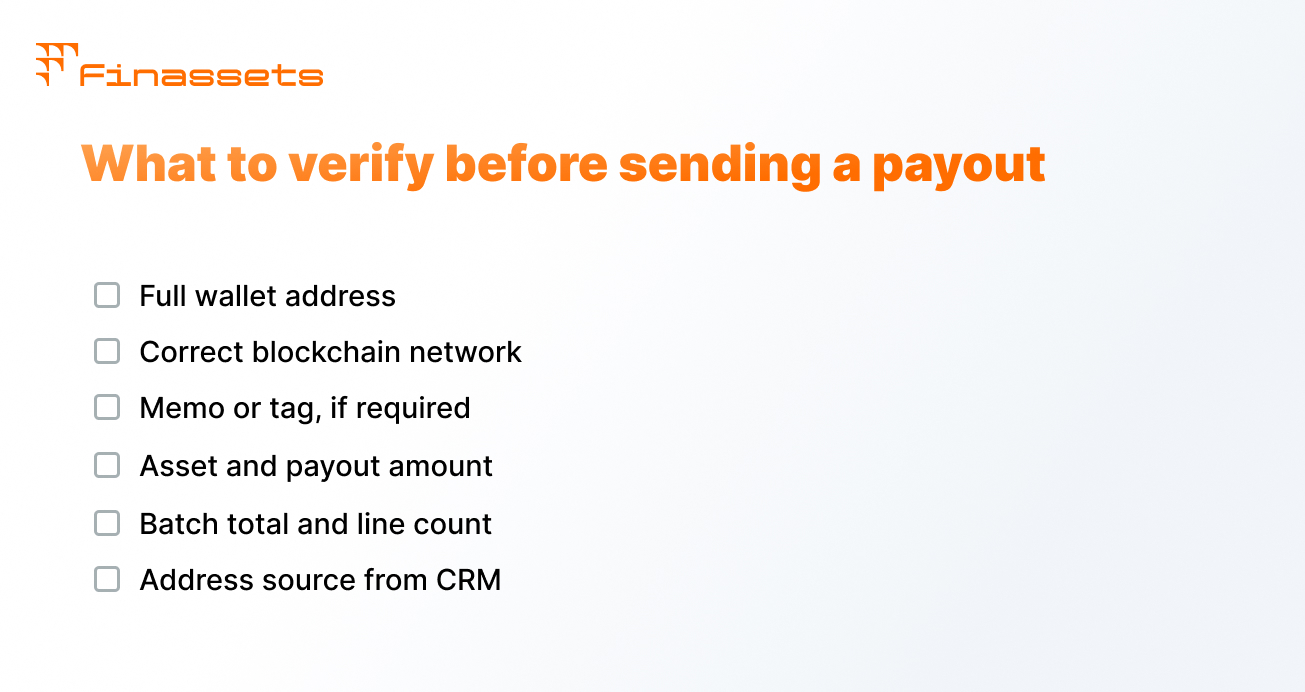
TXID lets a payout be checked without going back and forth with Support
For every payout, it's best to keep the provider's ID, TXID, network, address, memo, amount, and status timestamps in the CRM. Then the trader can check the transaction in an explorer themselves.
| What to send the trader | Why |
|---|---|
| TXID and a link to the explorer | The trader can see network confirmation themselves |
| Network and destination address | Can be checked right away against the deposit address on the exchange |
| Amount and time sent | Needed by the exchange if crediting has to be requested through support |
What to check if a payout is stuck
| Step | What to check | What to do |
|---|---|---|
| 1 | Does the request have a payout ID from the provider | No ID, the payout wasn't created: check the CRM integration or whoever approved the request |
| 2 | There's an ID, but no TXID | The payout is waiting for signature or hasn't been sent: check whether the batch is signed and whether there are enough funds in that asset and network |
| 3 | There's a TXID, but the transaction isn't confirmed in the explorer | The network hasn't accepted the transaction yet: pass the TXID to the provider, don't resend |
| 4 | The transaction is confirmed, the trader doesn't see the money | Compare the destination address in the explorer with the address in the trader's profile, in full; check the network and memo |
| 5 | Address, network, and memo match, the recipient is an exchange | Crediting is on the exchange's side: the trader files a ticket with its support, with the TXID, network, address, and exact amount |
| 6 | The provider's status is "failed" | Find out why, and whether the funds were returned to the balance; only resend after that |
The main rule: don't resend a payout until it's confirmed that the first one never went to the network. A blockchain transfer is irreversible, so resending can result in a double payout.
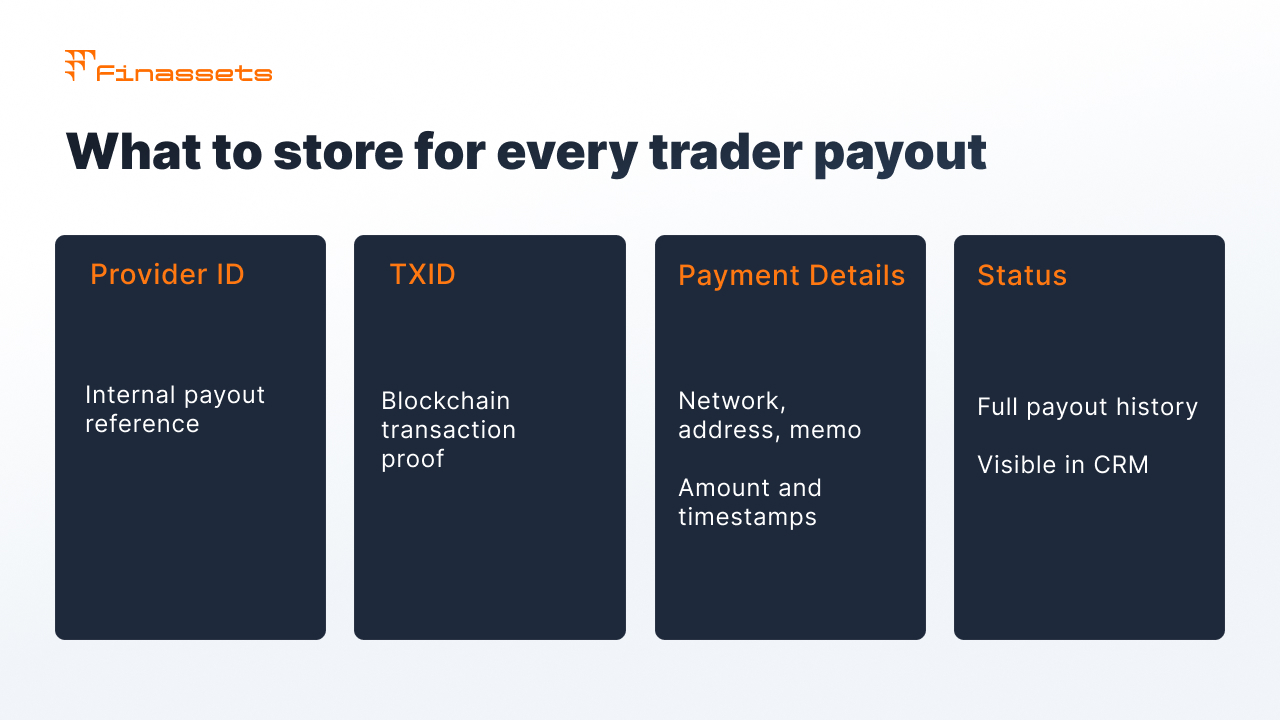
If the transaction is confirmed but the exchange hasn't credited the deposit, the timeline depends on the exchange's own support. For example, Binance handles requests about undeposited funds and memo errors separately (Binance Support). The request will need the TXID, asset, network, address, and exact amount.
Automation lowers manual work, but doesn't remove every risk
Automation removes manual data transfer and returns statuses to the CRM. But it doesn't change the fact that blockchain transfers are irreversible, and it doesn't control crediting on the recipient exchange's side.
| What changes | What stays the same |
|---|---|
| The address and amount go into the payout from the CRM without manual copying | If the trader's profile has the wrong address, the payout will go to it |
| One signature covers the whole batch instead of confirming each transfer | The signature stays a manual step, with a specific employee responsible |
| TXIDs and statuses return to the CRM automatically | Crediting on the trader's exchange is outside the broker's and provider's control |
| The network fee is chosen by priority level | Network cost still depends on its load and resources |
What's changed over the past 12 months
- Address poisoning has become widespread. According to Blockaid, the number of attempts grew from 628,000 in November 2025 to 3.4 million in January 2026, a 5.5x increase in two months; in December 2025, one attack cost a victim $50 million in USDT (Blockaid). Copying an address from transaction history has become a concrete operational risk for anyone sending payouts manually.
- Payout speed and reliability have become a public metric in a neighboring segment. Independent prop firm leaderboards rank firms by verified payout data (PropFirmMap, 2026).
Finassets Mass Payouts automates batch payouts from the CRM
Mass Payouts automates creating and tracking payouts, while the final confirmation of sending stays with the broker.
- Three ways to create a payout: via API from the CRM, in Back Office, or by CSV upload.
- 2FA and role-based access: an employee with the right role confirms sending.
- Network fee level: Low, Medium, or High depending on urgency.
- Statuses and TXID for each payout, with history in Back Office and a Dashboard showing Pending and Processed Volume.
- According to Finassets' internal data, 95% of TRC20 payouts are confirmed on the network and reflected in Back Office within 5 minutes.
- TRON Energy Saving System helps lower the cost of TRC20 transfers by more than 50% compared to the standard TRX-burning model, depending on Energy availability and network conditions (based on client experience; results may vary).
- 70+ crypto assets, including USDT and USDC across different networks.
- Support from an IT team with fast response times.
- Finassets is registered in Panama. Onboarding usually takes 2–7 business days, subject to KYB and compliance review.
The setup can be matched to a specific broker's CRM, networks, and payout volume: discuss integration with the Finassets team.
Automation matters most between the CRM and payout confirmation
The transfer itself takes less time than manually moving data around and hunting for status. If a payout is created from the CRM and returns the TXID to the trader's card, the finance team can track it without a separate reconciliation step.