You run an eCommerce store that processes cross-border payments. Card payments work, but you deal with failed transactions, regional restrictions, and delayed settlements. Some customers ask to pay with cryptocurrency, but your current checkout does not support it.
You consider adding a crypto checkout. The idea is not to replace traditional payments, but to add an additional payment rail for users who already hold digital assets like Bitcoin or USDT.
In this guide, you will learn how to add crypto checkout, what the integration actually requires, and where it fits operationally.
What is a crypto checkout?
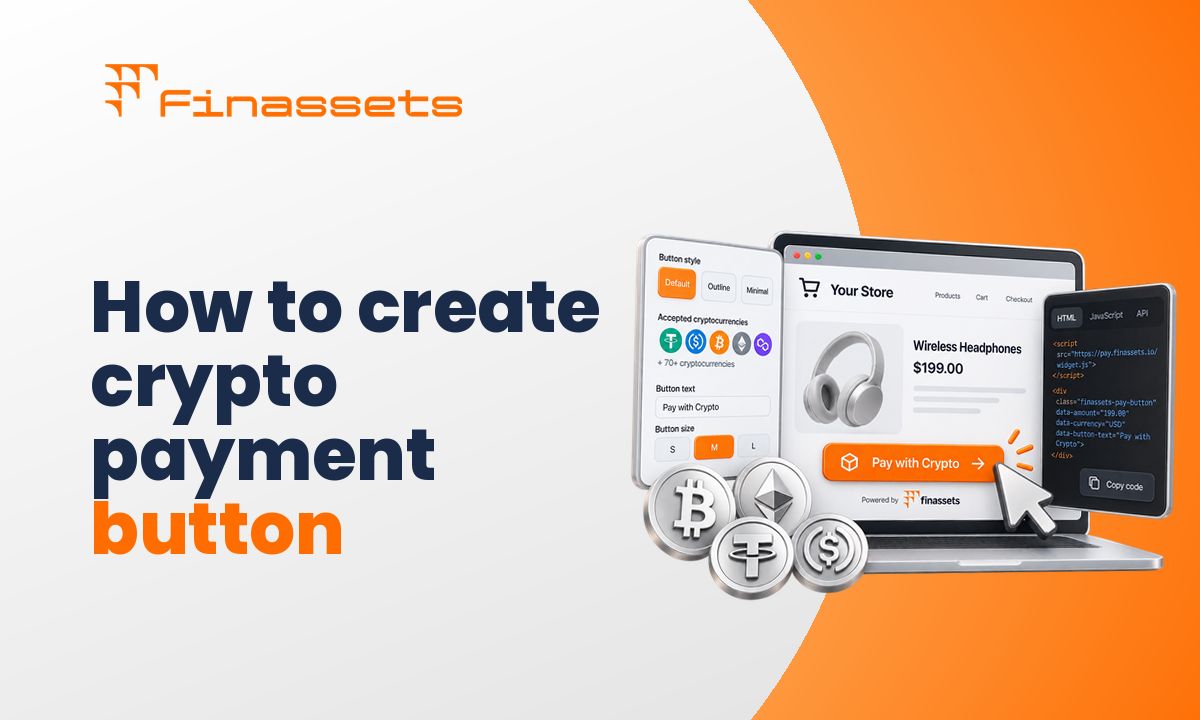
A crypto checkout typically is an embedded payment component (HTML, API, or plugin) that allows customers to pay with crypto during the checkout process.
Instead of entering card details, the user:
- Selects a cryptocurrency (e.g., Bitcoin, Ethereum, USDT)
- Receives a wallet address or QR code
- Sends funds from their crypto wallet
- Waits for blockchain confirmation
This changes the checkout process from card-based authorization to blockchain-based settlement.
How to add crypto checkout
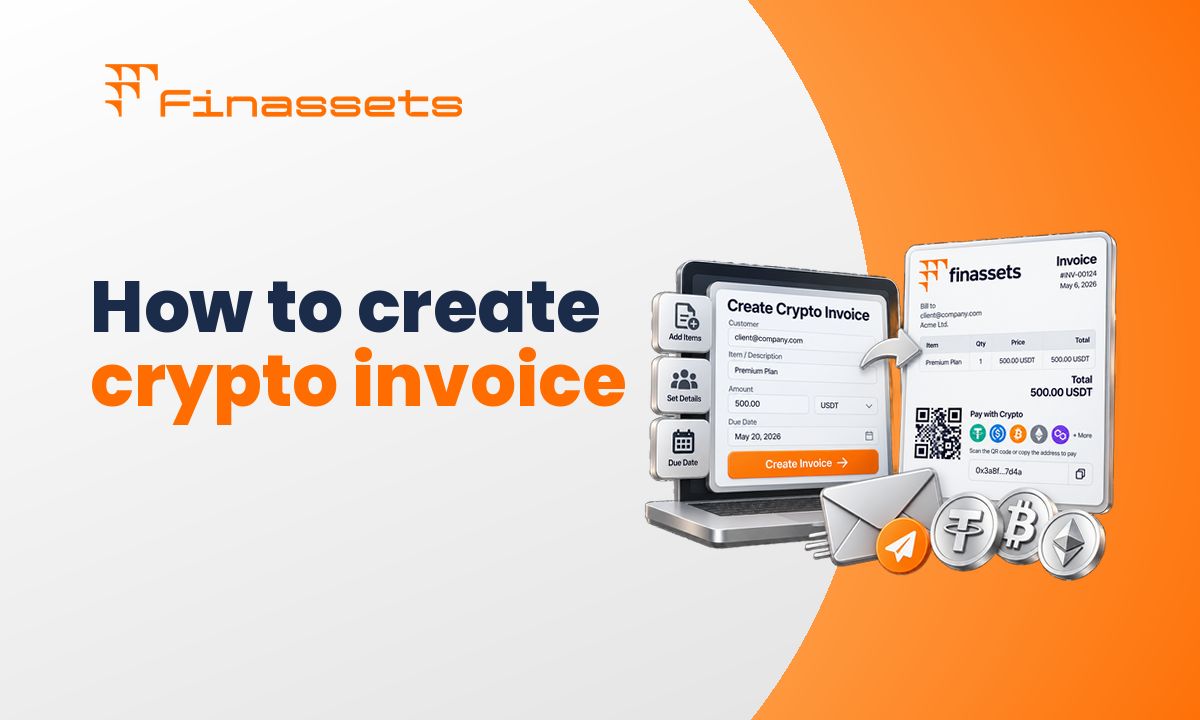
You can add a crypto checkout by creating a payment project in your gateway, configuring currencies and settlement rules, and embedding the generated code into your checkout page.
Below is the exact process of crypto checkout integration using Finassets.
Step 1: Go to the “Payment Gateway” section
Log in to your Finassets dashboard and navigate to the Payment Gateway section.
Step 2: Click “Add Project”
Create a new crypto checkout integration by clicking Add Project.
Step 3: Complete the project setup
Configure your checkout:
- Project name
- Company name
- Select cryptocurrencies (Bitcoin, Ethereum, USDT, USDC)
- Settlement currency (e.g., EUR)
- Service fee assignment (merchant or customer)
- Payment expiration time
- Exchange rate update interval
- Website URL
These settings define how your crypto payment gateway processes transactions.
Step 4: Click “Add”
Submit the form to create your project.
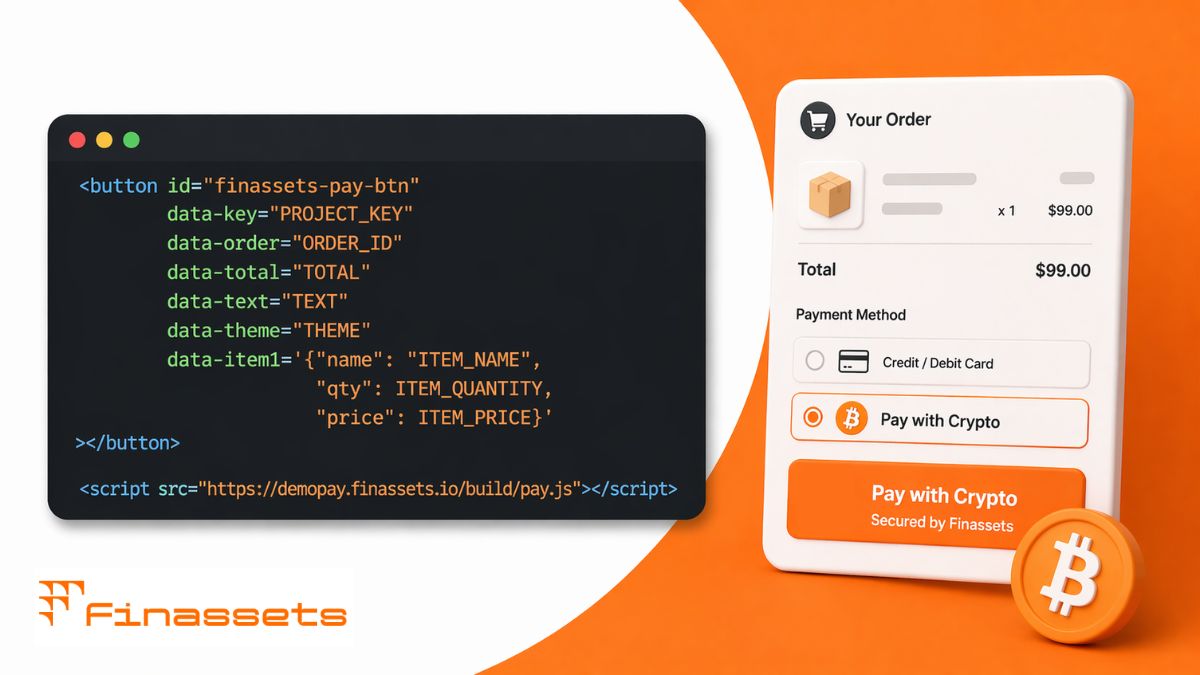
Step 5: Generate crypto checkout HTML code
The system generates an embed code linked to your configuration.
Step 6: Crypto checkout integration
Add the code to your website:
- Checkout page
- Payment section
- Invoice page
Once added, customers can pay with crypto directly.
Step 7: Edit crypto invoice data (optional)
You can update:
- Payment details
- Expiration time
- Supported cryptocurrencies
This allows operational flexibility after deployment.
You’ve got the theory — now put it into practice. Turn knowledge into results.
👉 Create your account and start integration.
What happens during a crypto checkout transaction
When a customer selects crypto at checkout, the flow differs from card payments.
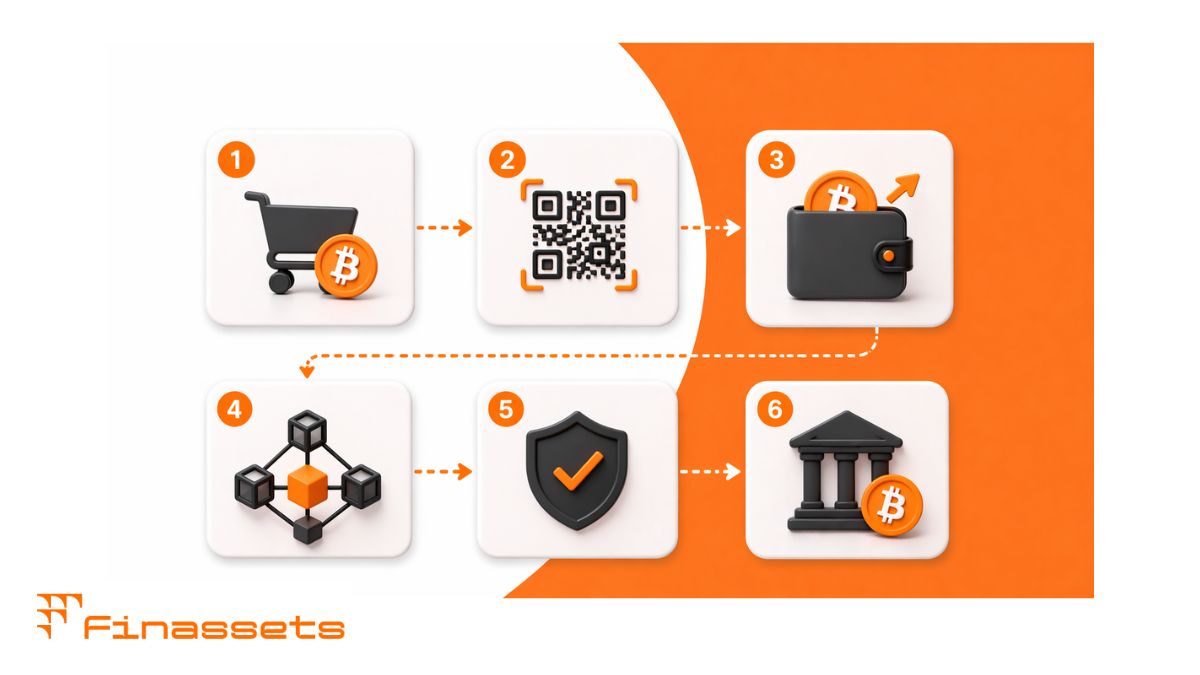
Process:
- Customer selects “Pay with crypto” option
- System generates a wallet address or QR code
- Customer sends funds from their crypto wallet
- Blockchain network processes the transaction
- Payment is confirmed after required confirmations
- Funds are settled based on your configuration
What crypto checkout solves — and what it doesn’t
| Gives | Doesn’t give |
| Removes chargebacks | Does not prevent incorrect transfers |
| Enables cross-border payments | Does not guarantee conversion increase |
| Adds alternative payment method | Does not replace card infrastructure |
| Provides blockchain visibility | Does not eliminate fraud risks |
| Supports digital asset payments | Does not remove compliance requirements |
Operational considerations
Before adding crypto checkout, consider:
- Blockchain settlement time varies
- Transaction fees depend on network load
- Users must have a crypto wallet
- Accounting requires handling digital assets
- Exchange rates (excluding stablecoins) can fluctuate during payment windows
Who can benefit from crypto checkout?
Crypto checkout works in specific scenarios.
Relevant for:
- eCommerce stores accepting cross-border payments
- Digital goods platforms (software, licenses, content)
- Subscription services and SaaS
- High-risk merchants with card processing limits
- Marketplaces with global users
- Crypto-native platforms
Less relevant for:
- Local retail with fiat-only users
- Stores without crypto demand
- Businesses dependent only on bank payments
Crypto checkout is an additional payment method, not a replacement.
Checklist before integration
- Do your customers use cryptocurrency?
- Do you need an alternative to card payments?
- Do you need cross-border payment coverage?
- Can your system support API integration?
- Do you understand crypto transaction fees?
- Do you need crypto-to-fiat settlement?
- Can you track payments via webhooks?
- Do you have an account manager experienced in crypto payments?
- Do you comply with KYC/AML requirements?
Test crypto checkout using the free demo
You can test the crypto checkout without full integration.
👉 Try the Finassets demo environment.
You can:
- Simulate crypto transactions
- Review payment confirmation flow
- Test user experience
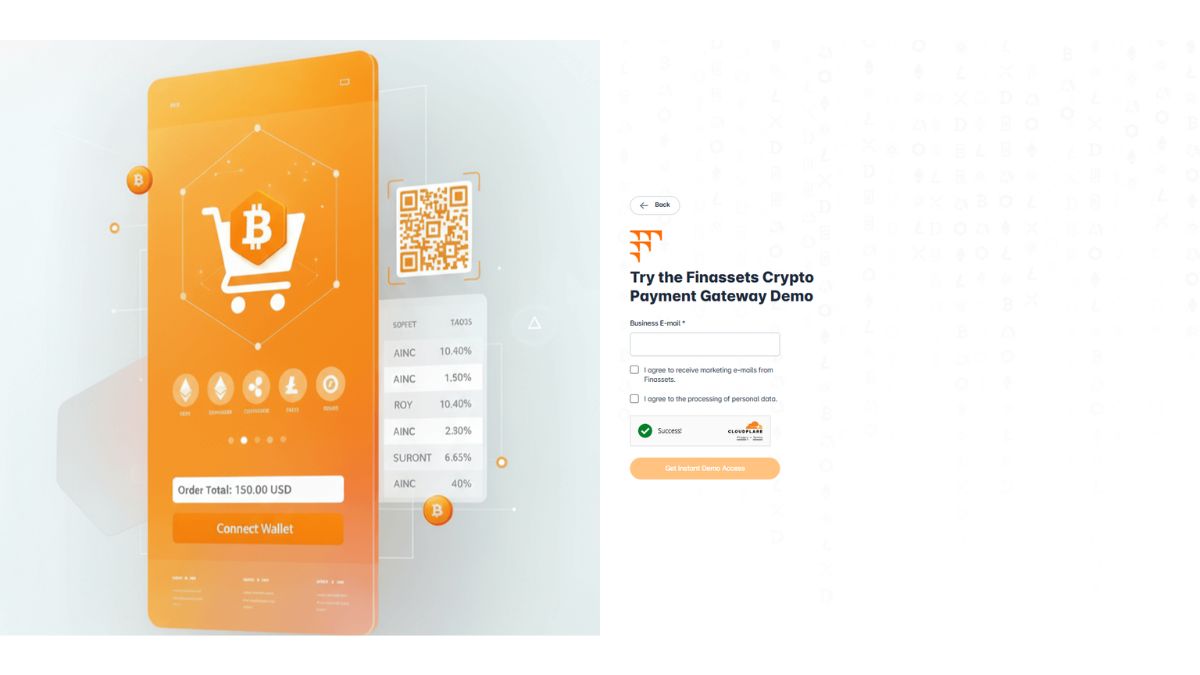
Test features and explore the platform without registration. Just enter your email and receive instant access.
Finassets fee structure
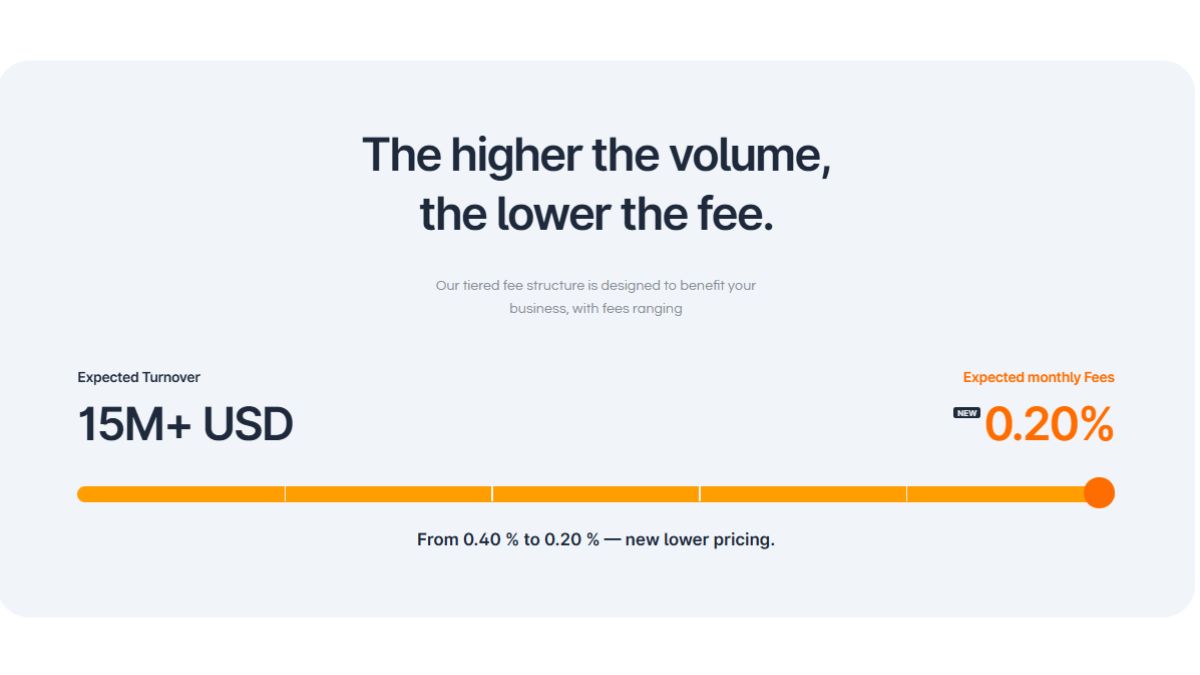
Finassets uses a volume-based model:
- 0.4% → 0.2% depending on transaction volume
Fee components
| Component | Description |
| Gateway fee | Paid to payment provider |
| Network fee | Paid to blockchain network |
Blockchain fees depend on:
- Blockchain network (Ethereum, TRON, Bitcoin)
- Network load (gas/energy fees)
- Settlement configuration
If you plan to accept USDT payments via crypto checkout, Finassets is a smart choice thanks to its built-in TRON network optimization system. This advanced blockchain fee optimization system lets you save over 50% on USDT (TRC20) network fees.
Supported cryptocurrencies
Finassets supports 70+ digital assets, including:
- Bitcoin (BTC)
- Ethereum (ETH)
- Tether (USDT)
- USD Coin (USDC)
- Solana (SOL)
- Ripple (XRP)
- Cardano (ADA)
- Polygon (MATIC)
- Tron (TRX)
- BNB
Stablecoins like USDT and USDC are commonly used to reduce price volatility during transactions.
Why choose Finassets crypto checkout?
Key operational features:
- Crypto payment processing since 2021
- Volume-based fees (0.4%–0.2%)
- Finassets’ built-in TRON energy optimization system reduces network costs by 50%+ for USDT (TRC20) transactions
- All essential crypto payment solutions in one platform
- Crypto-to-fiat conversion
- Support for multiple blockchain networks
- Webhook-based payment confirmation
- Dashboard for tracking payments and transactions
- KYB and AML compliance
- High level of security, including encrypted transactions and 2FA access control
- Fast onboarding process and a personal manager are provided
Start adding crypto checkout
Crypto checkout is not a replacement for traditional payments. It is an additional payment method for a specific segment.
If your audience already uses cryptocurrency, integration gives you more payment flexibility and operational visibility.
👉 Create your Finassets account and configure your crypto checkout.
Article details
- Published by: Finassets
- Updated: September 8, 2026
- Author: Alena K., Crypto Payment Solutions Specialist
- Category: Cryptocurrency Payments, Cryptocurrency Payment Gateways
- Reading time: 5–7 minutes
- Content type: Educational guide
- Audience: Businesses, merchants, SaaS companies, developers, and e-commerce owners exploring cryptocurrency payment solutions.
Editorial policy
This article is reviewed periodically to ensure the information remains accurate and reflects the latest developments in cryptocurrency payments, blockchain networks, stablecoins, and payment gateway technologies. Content is based on publicly available documentation, industry best practices, and practical payment infrastructure knowledge. It is intended for informational purposes only and does not constitute financial, legal, or investment advice.