By Alena K., payments content, covering crypto processing for iGaming and eCommerce.
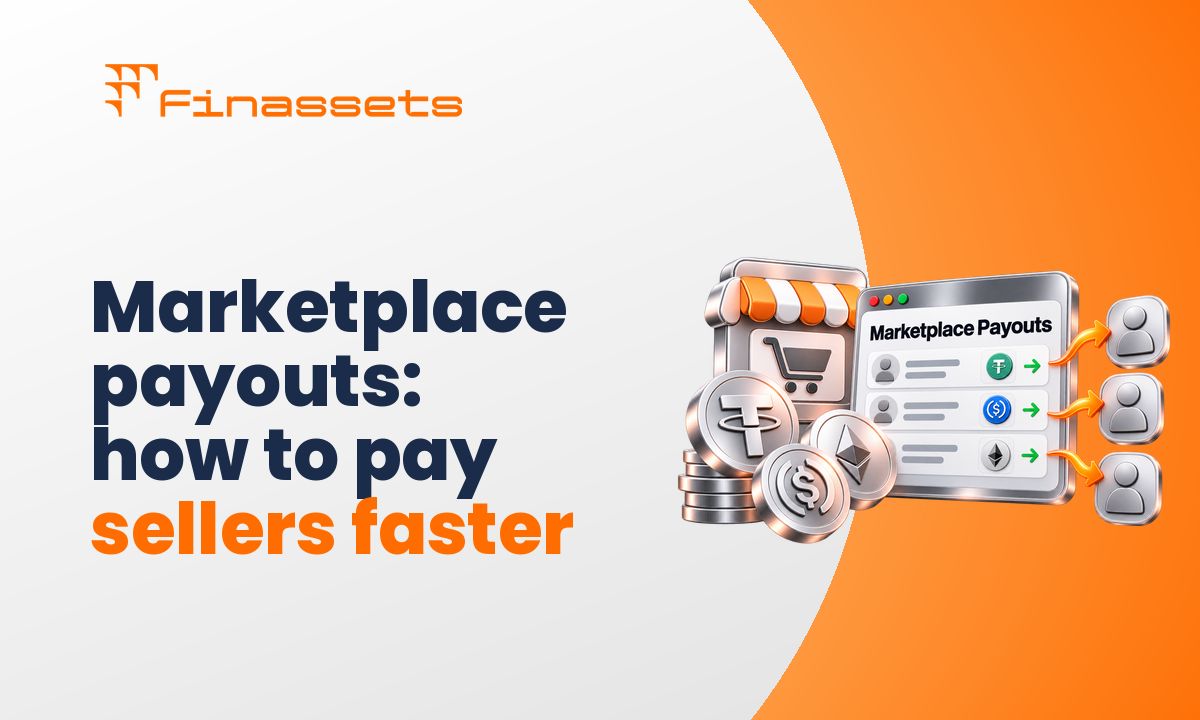
A marketplace has two money flows. Buyers pay for orders, then the platform pays sellers their share after its own fee. Crypto payments and seller payouts can run through a single infrastructure. Both flows work through the API, a shared balance, and Back Office.
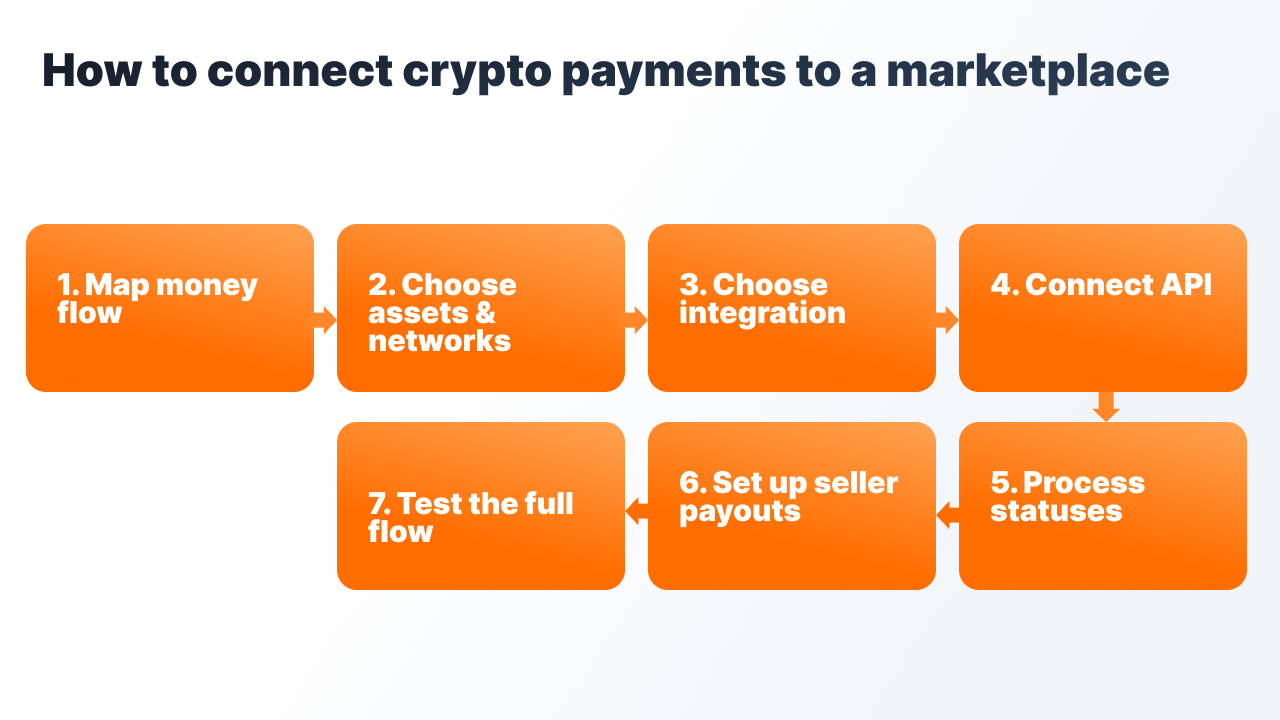
Below we look at seven steps for connecting, from the flow of funds to testing payment and payout.
A marketplace needs to set up both accepting payments and paying out sellers
After payment, the money goes through several stages:
- The buyer pays for the order in cryptocurrency.
- The funds are credited to the marketplace's balance.
- The marketplace records the seller's share and its holding period in its own system.
- After the order is fulfilled, the marketplace sends the seller a payout, net of its own fee.
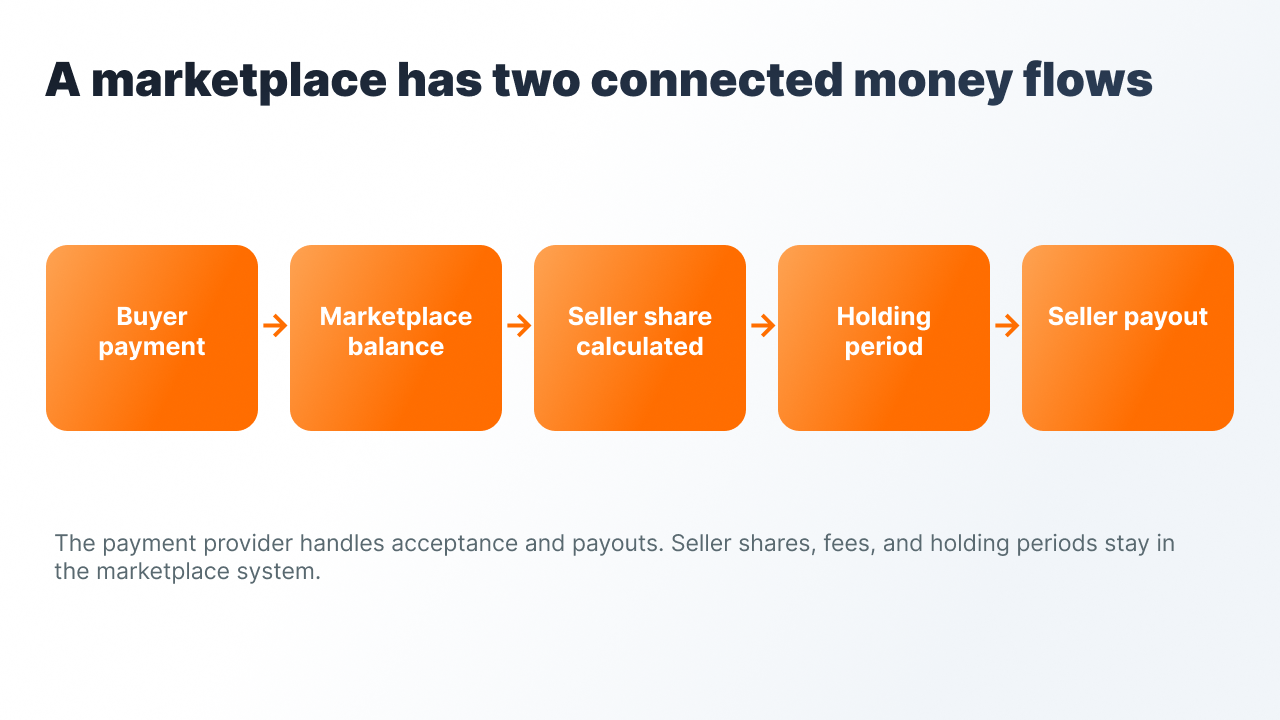
The payment provider is responsible for accepting funds and paying out. Tracking sellers' shares, fees, and holding periods stays in the marketplace's own system.
One provider can handle both buyer payments and seller payouts
The payment flow has three parts:
- Accepting payment. The provider creates the payment data, tracks the transaction on the blockchain, and passes the status to the marketplace via webhook.
- Balance. The funds received arrive on the marketplace's balance.
- Paying out the seller. The marketplace sends a request via the API, after which the provider transfers funds to the seller's address and returns the operation's status.
The marketplace doesn't need to create its own payment wallets or check every transaction through a blockchain explorer.
Step 1. Map out the flow of money inside the marketplace
Before integrating, it's worth determining:
- who pays, and which countries buyers come from;
- when the seller gets their share;
- how the marketplace's fee is calculated;
- how often seller payouts are made;
- how refunds to buyers are handled.
Setting up payment acceptance and payouts depends on this flow.
Step 2. Choose the assets and networks for payments and payouts
Base your choice on what buyers pay with and which assets sellers want to receive funds in.
- USDT and USDC. Suited for payments and payouts with a clear value relative to the dollar. USDT is available on TRON, BNB Chain, Ethereum, Polygon, Solana, and TON. USDC is available on Ethereum, Solana, BNB Chain, and Polygon.
- BTC, ETH, and other assets. These can be added for buyers who already use them. If needed, funds can be converted into a stablecoin via Auto-Convert.
- Networks. TRON, BNB Chain, Polygon, and Solana are often used for regular, smaller transfers. When choosing, it's worth factoring in fees and audience habits.
If accepting payments and paying out run on the same stablecoin, the number of conversions can be reduced.
Step 3. Choose the integration type
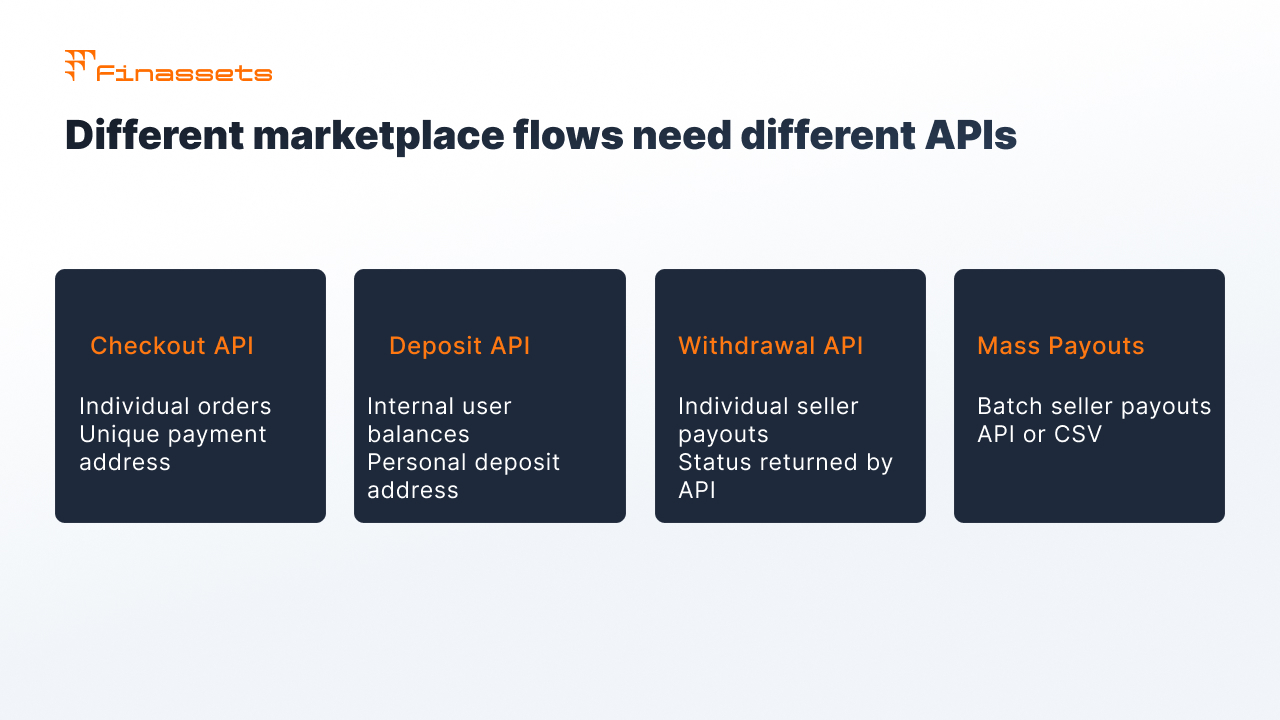
The connection method depends on the marketplace's model.
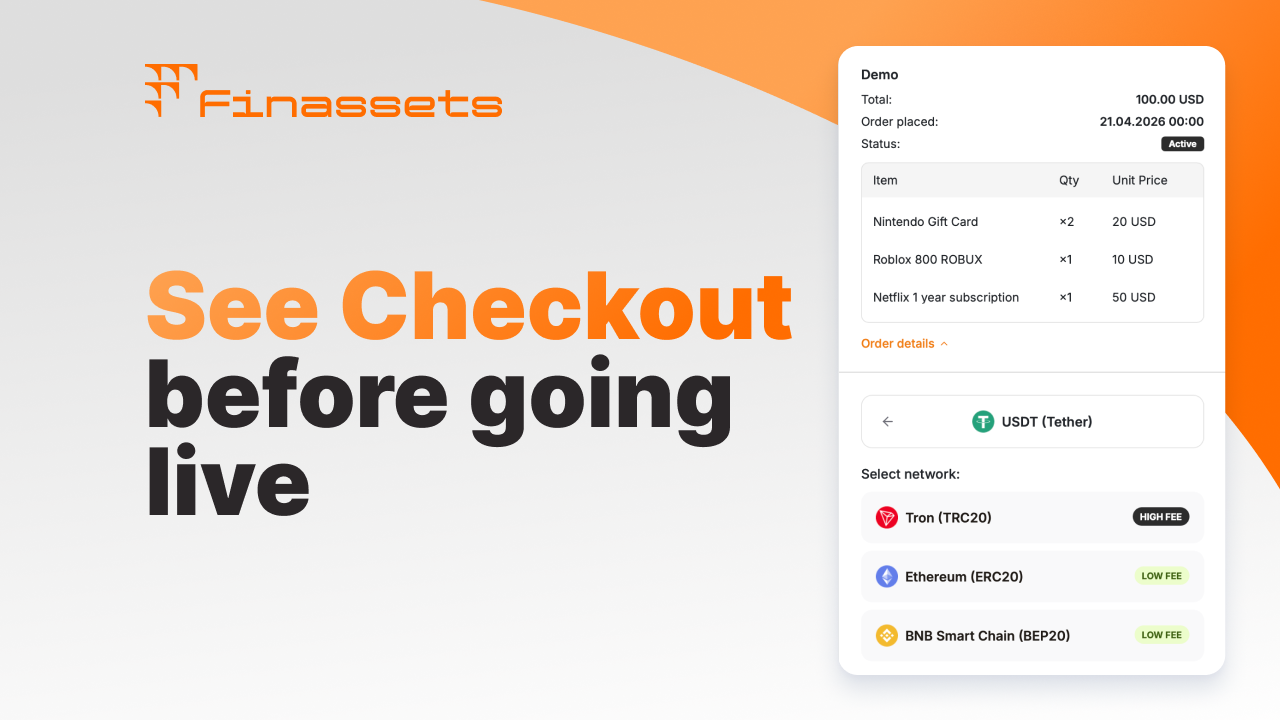
- Checkout API. Fits paying for individual orders. A checkout with a unique address is created for each payment.
- Deposit API. Fits platforms with an internal user balance. The buyer gets their own deposit address.
- Withdrawal API and Mass Payouts. Used for paying out sellers, one operation at a time or in batches.
- Invoices. Fit large B2B orders placed outside the standard checkout.
A marketplace can use the Checkout API or Deposit API for incoming payments and Mass Payouts for payouts, through a single infrastructure.
Step 4. Connect the API
Integration is usually set up by the marketplace's developer. Including testing, it takes around 1–3 business days.
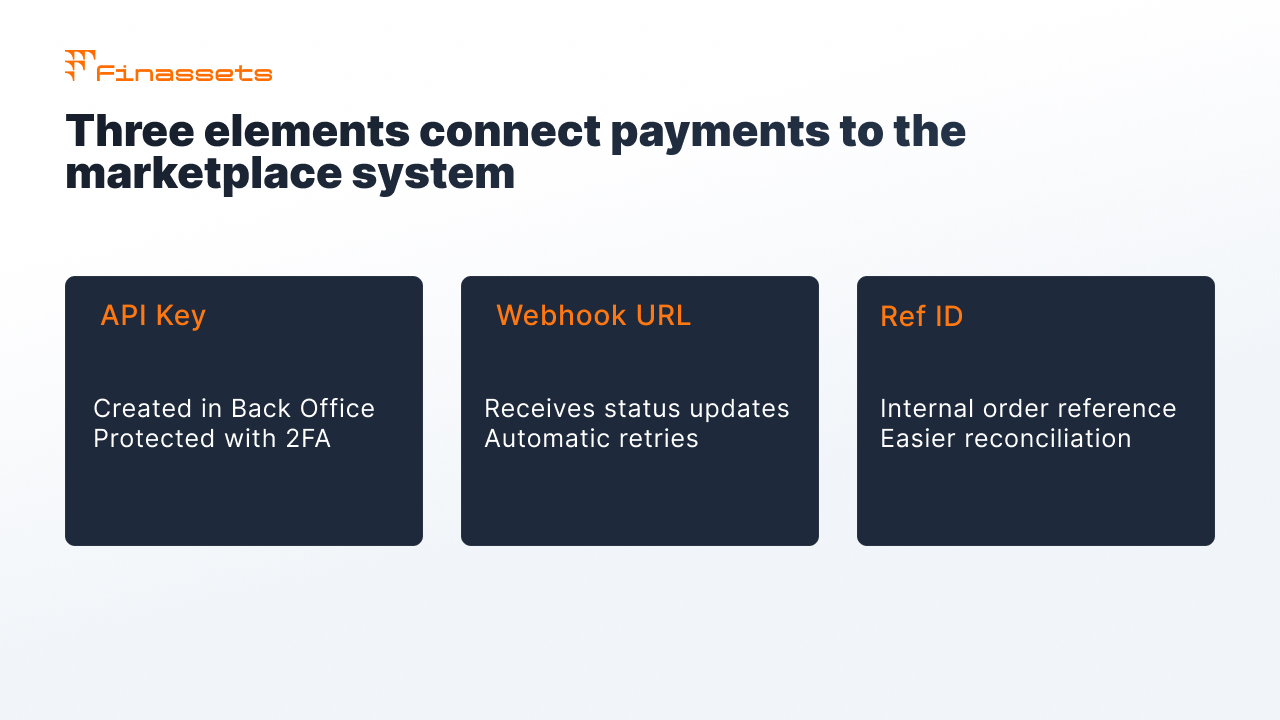
Three main elements are needed to connect:
- API key. Created in Back Office by a user with the Owner or Manager role and confirmed via 2FA. IP filtering can be set up. The Secret Key is shown once, so it needs to be saved right away.
- Webhook URL. The address Finassets sends status changes to.
- Ref ID. The order or transaction number in the marketplace's system. It helps automatically reconcile operations between systems.
Methods, sample requests, and how the webhook works can be found in the payment gateway API documentation.
Step 5. Set up automatic status processing
The marketplace changes the order's status after getting confirmation from the payment provider.
- Webhook signature. The marketplace's system verifies the Finassets signature before processing the notification.
- Delivery. A notification is considered delivered after an HTTP 200 response within 30 seconds. If there's no response, Finassets retries sending on a schedule.
- Final status. For the Deposit API, COMPLETED is used; for Checkout, paid is used.
- Underpayment. For underpayment up to 1%, Checkout gets the status pending_approval, after which the marketplace makes the decision. For a larger underpayment, the status underpaid is used.
Repeated webhooks also need to be handled so that one operation doesn't create a second payment in the system.
Step 6. Set up seller payouts
Payout rules depend on the model the marketplace defined in the first step.
- The seller's address is stored together with the chosen asset and network.
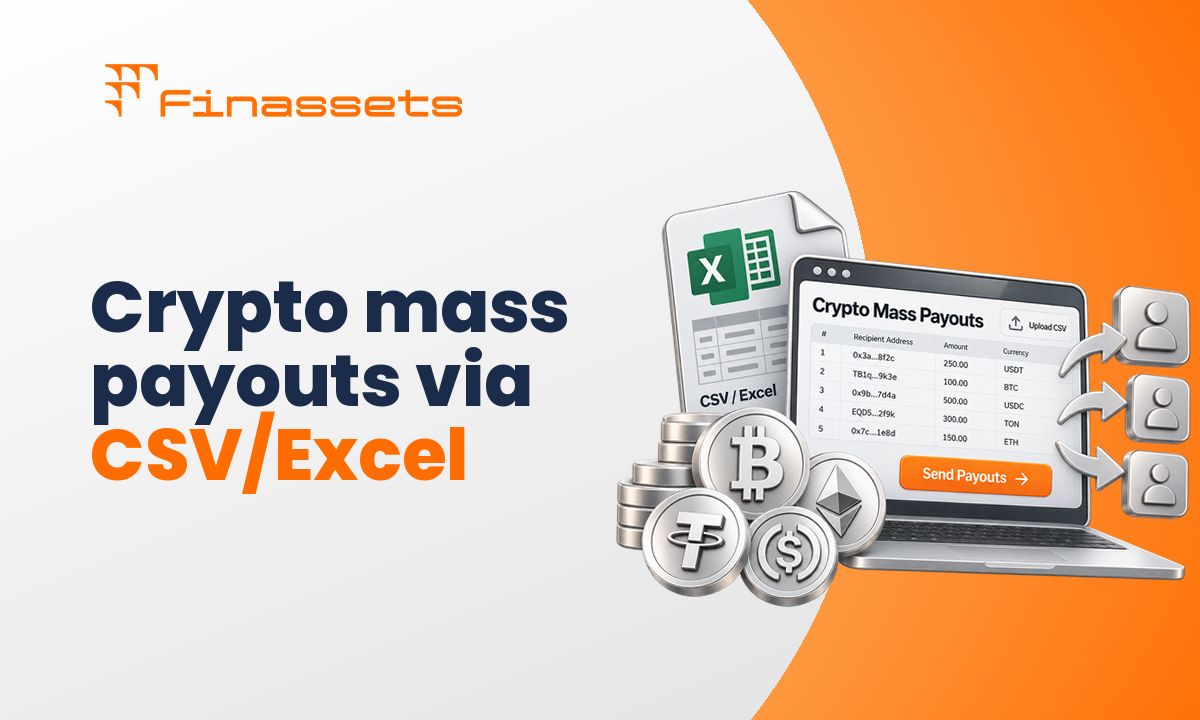
- Mass Payouts allows payouts to be sent in a batch via API or CSV. The batch is confirmed via 2FA by an employee with the right role.
- Network fee can be set to Low, Medium, or High depending on urgency.
- The TRON Energy Saving System makes it possible to know the cost of a TRC20 payout in advance. Savings can exceed 50% compared to standard TRX burning, depending on Energy availability and network conditions.
- Status and TXID are returned separately for each payout.
More on the schedule, holding funds, and common mistakes can be found in the article on stablecoin payouts to marketplace sellers.
Step 7. Check the full path from payment to payout
A Finassets test environment can be obtained on request to support.
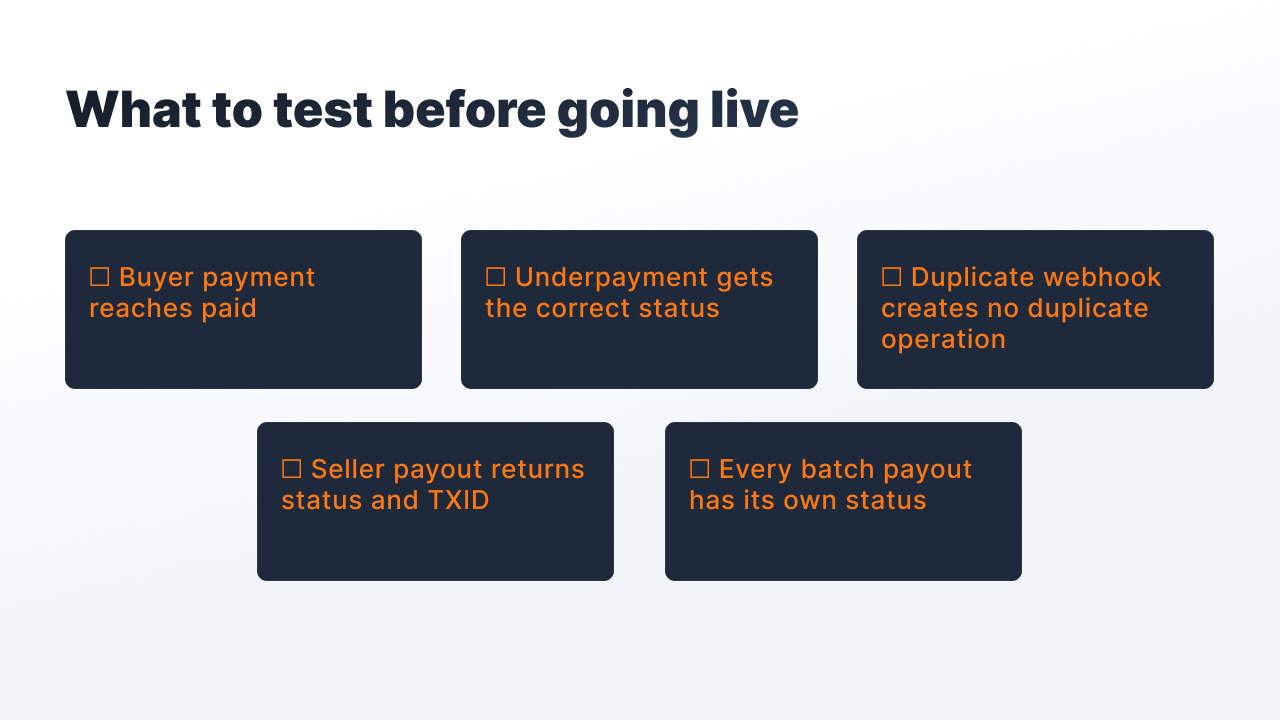
The whole money flow is worth checking:
- The buyer pays for the order, the marketplace gets the status, and marks it as paid.
- Underpayment gets the correct status and is handled according to the set scenario.
- A repeated webhook doesn't create a second operation.
- The payout to the seller is sent, and the status and TXID are returned to the system.
- A batch of payouts goes through completely, with a separate status shown for each operation.
After successful testing, the integration can be moved to production.
Received funds can be automatically converted and withdrawn
After accepting payments, the marketplace can set up how the balance is handled:
- Auto-Convert automatically converts one asset into another. The fee is 0.2%.
- Auto-Sweep transfers funds to the withdrawal wallet once a set balance is reached or after a set number of days.
- Whitelisted Addresses are used for withdrawal addresses.
- Back Office holds the operation history and lets you export reports using the chosen filters.
BuySellVouchers processes around $12 million a month through this model
BuySellVouchers has been operating since 2015 and sells digital vouchers and gift cards. The platform's turnover is around $12 million a month.
The platform uses Finassets to accept payments and pay out sellers. This setup makes it possible to handle both money flows through a single payment infrastructure.
For digital-goods marketplaces, this is especially relevant, since gift cards and digital goods often require additional review by card providers. More on this can be found in the article on crypto payments for high-risk businesses.
"As our volumes grew, processing costs and transaction predictability became critical. Finassets removed payments as a bottleneck, which directly improved realized turnover and simplified day-to-day operations. This is infrastructure we can confidently scale on."
Sergei B., CEO, BuySellVouchers
Finassets combines accepting payments and paying out sellers in one infrastructure
Finassets lets marketplaces accept crypto payments and pay out sellers through a single platform. The Checkout API and Deposit API handle accepting payments with unique addresses and webhook notifications, while the Withdrawal API and Mass Payouts allow payouts to be automated. Both flows are managed through a shared balance and Back Office.
Main capabilities and terms:
- 70+ crypto assets, including USDT and USDC across several blockchain networks.
- Fee from 0.40% down to 0.20% depending on volume. Terms are fixed in the contract.
- API documentation and a test environment for integration.
- Support on Telegram.
Finassets is registered in Panama. Onboarding usually takes 2–7 business days, depending on KYB and compliance review.
See the Finassets solution for eCommerce · Mass Payouts
Finassets fits marketplaces with buyer payments and seller payouts
The solution fits marketplaces and P2P platforms that want to accept crypto payments and send seller payouts through one system.
Before connecting, it's worth keeping a few conditions in mind:
- companies registered in the EU, UK, and US aren't connected;
- calculating sellers' shares, fees, and holding periods stays in the marketplace's system;
- card acquiring isn't provided;
- availability for a specific jurisdiction is confirmed during KYB and compliance review.
Start by mapping out your money flow
Before integrating, determine who pays, when the seller gets paid, how the platform's fee is calculated, and how refunds are handled.
After registration, a Finassets manager will help you go through this flow and choose the right integration option.
→ Discuss connecting your marketplace with the Finassets team