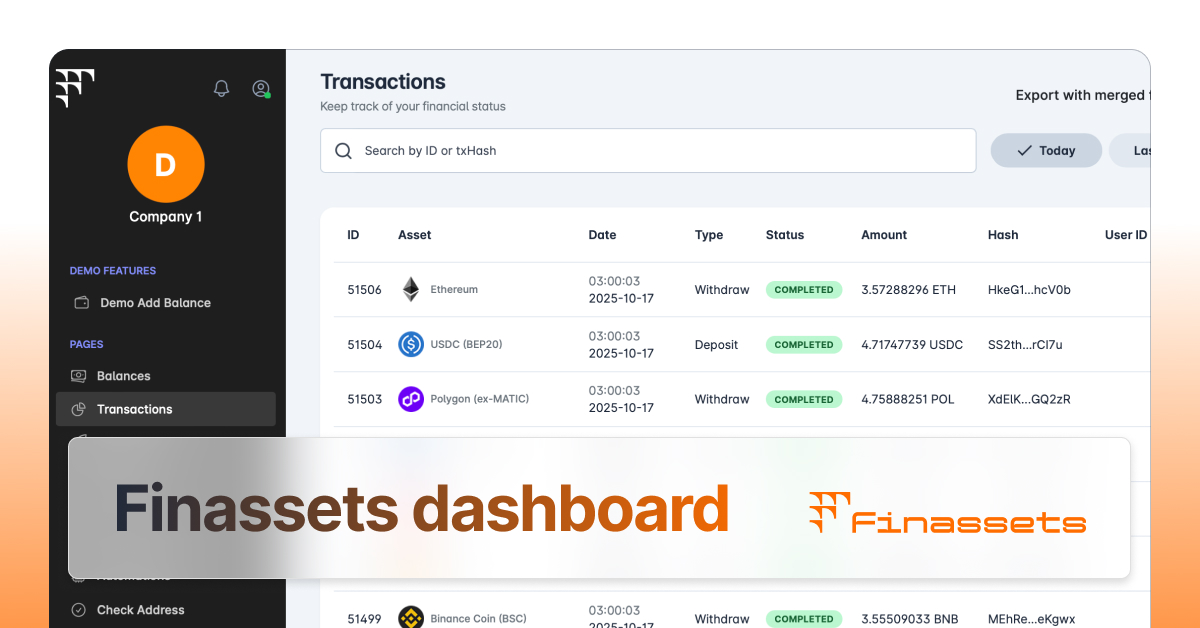
The Finassets team has enhanced the filtering and export experience on the Transactions, Invoice History, and Checkout History pages. Previously, clicking Export triggered an immediate CSV download, and while applied filters and date ranges did affect the exported file, there was no clear indication of which criteria were being used.
The updated flow gives clients a dedicated view of the export criteria before the file is generated, making the connection between page filters and exported data explicit.
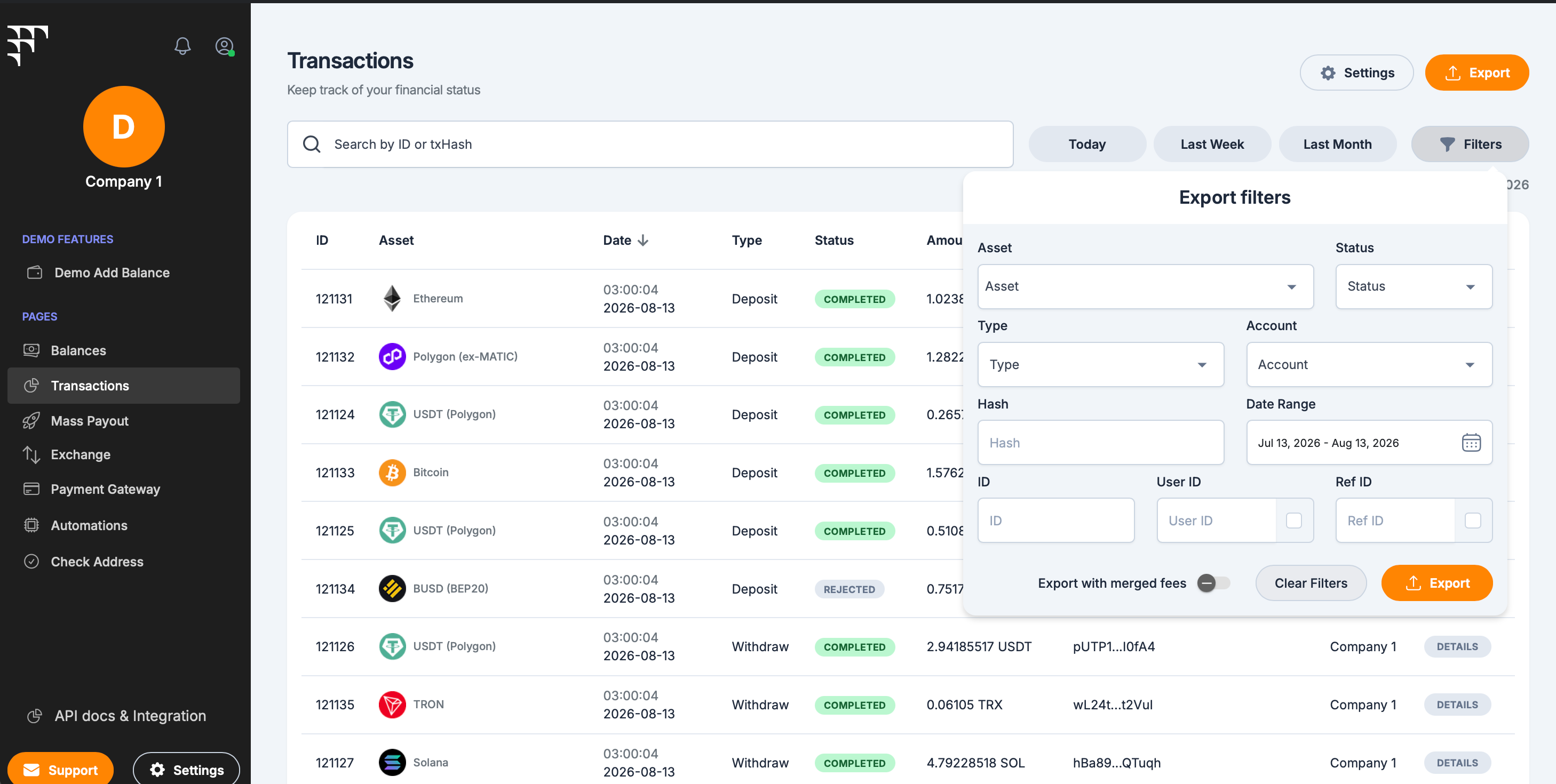
Export window shows active filters before download
What's new
- clicking Export now opens a dedicated export window with the same criteria available in the filtering form
- active filters are highlighted in green, showing exactly which conditions will be applied
- criteria can be refined directly in the export window before the file is generated
Reviewing export criteria before download reduces accidental exports and makes it easier to confirm that the file matches the current task.